Explore the latest features and improvements we’ve added to enhance your experience with Digify.
Persistent Protection After Download (PPAD) for data rooms
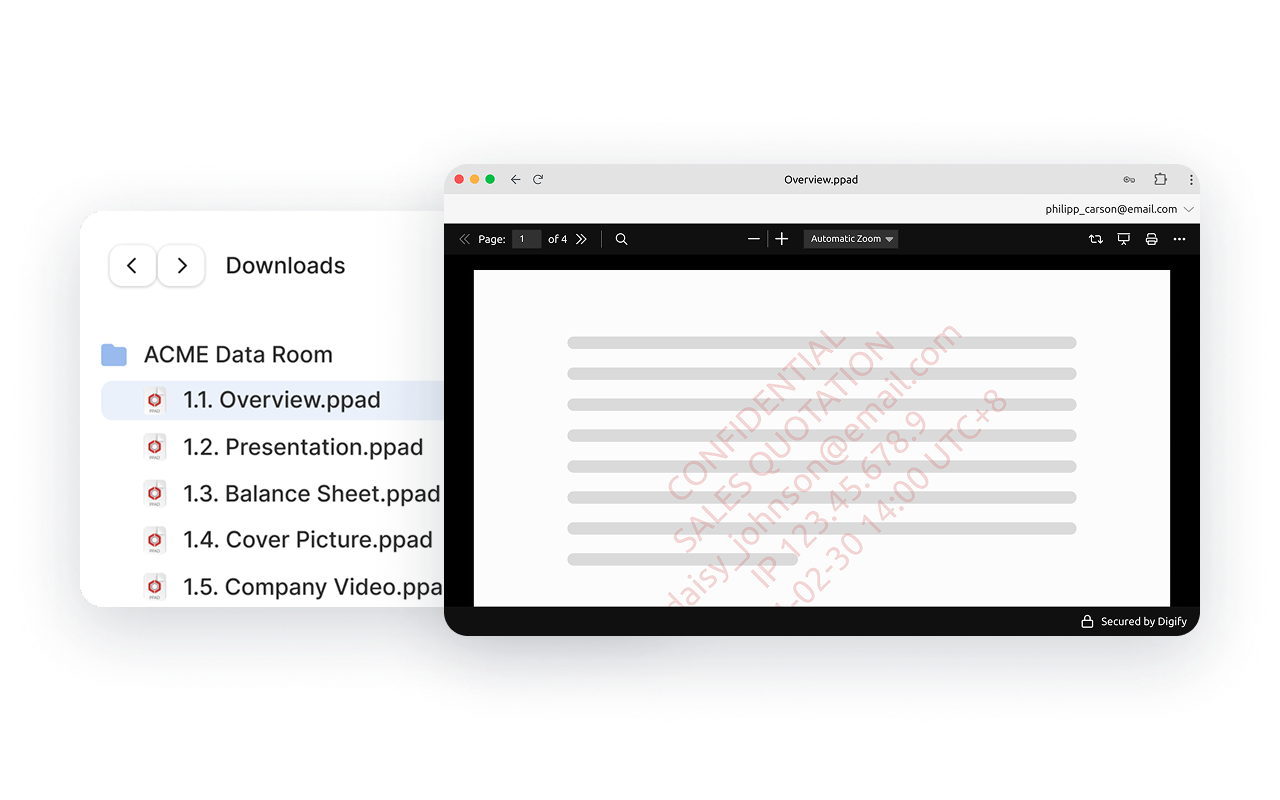
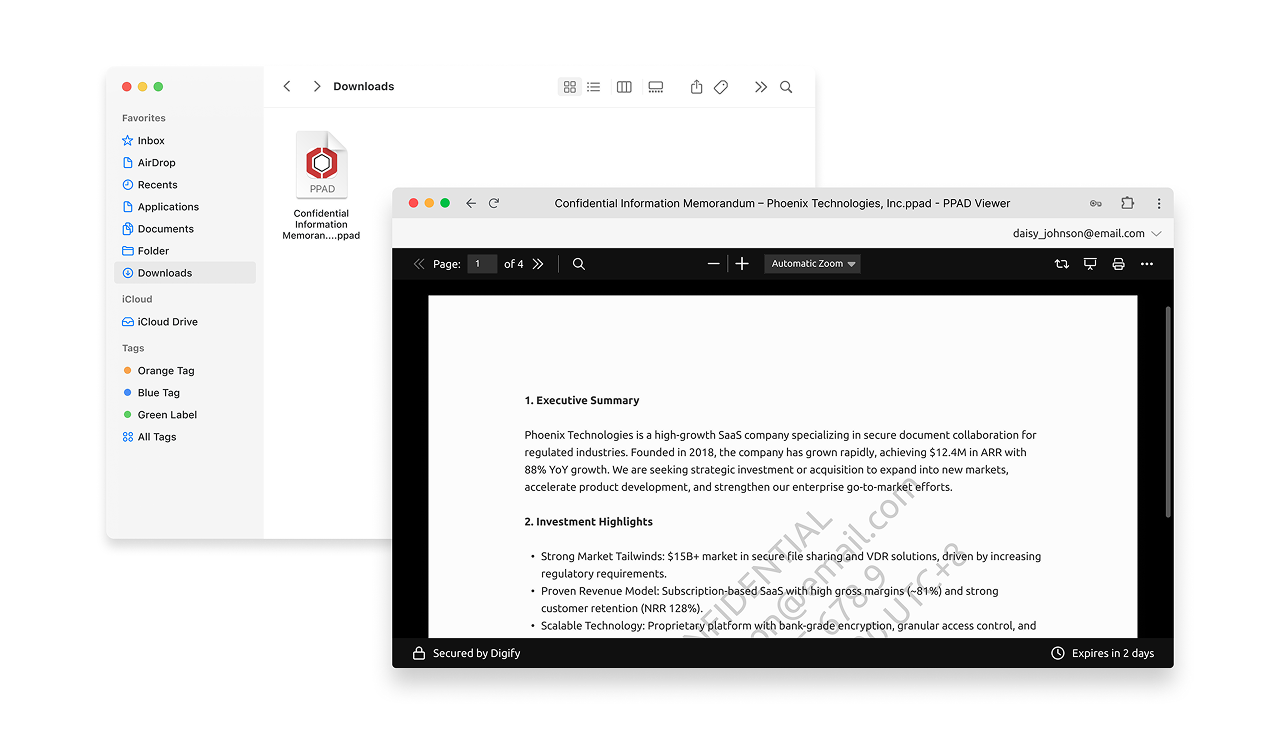
We’re bringing PPAD to data rooms. Guests can download all permitted files in one click, while keeping protection in place. This allows you to stay in control – track views, set expiry, and revoke access anytime.
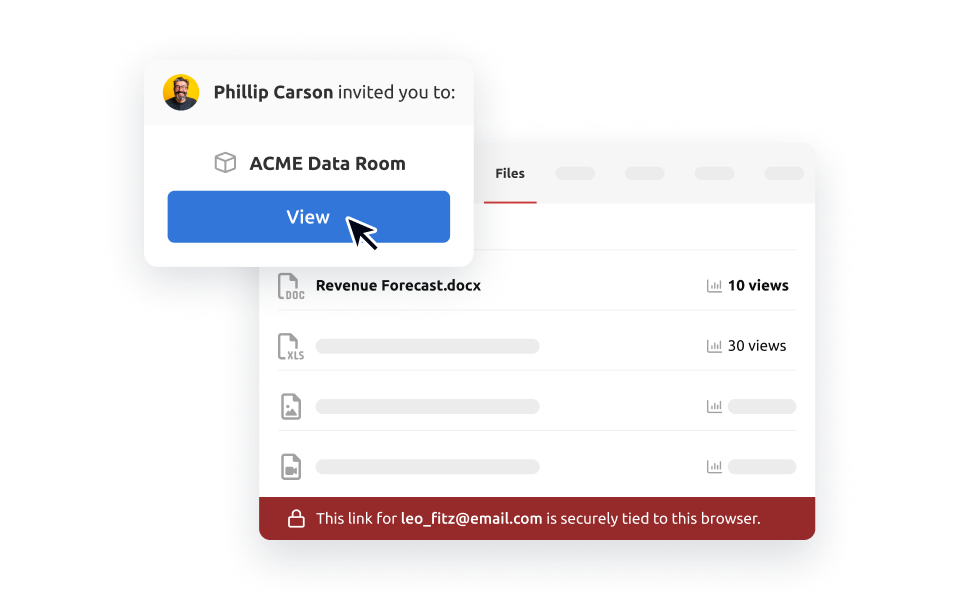
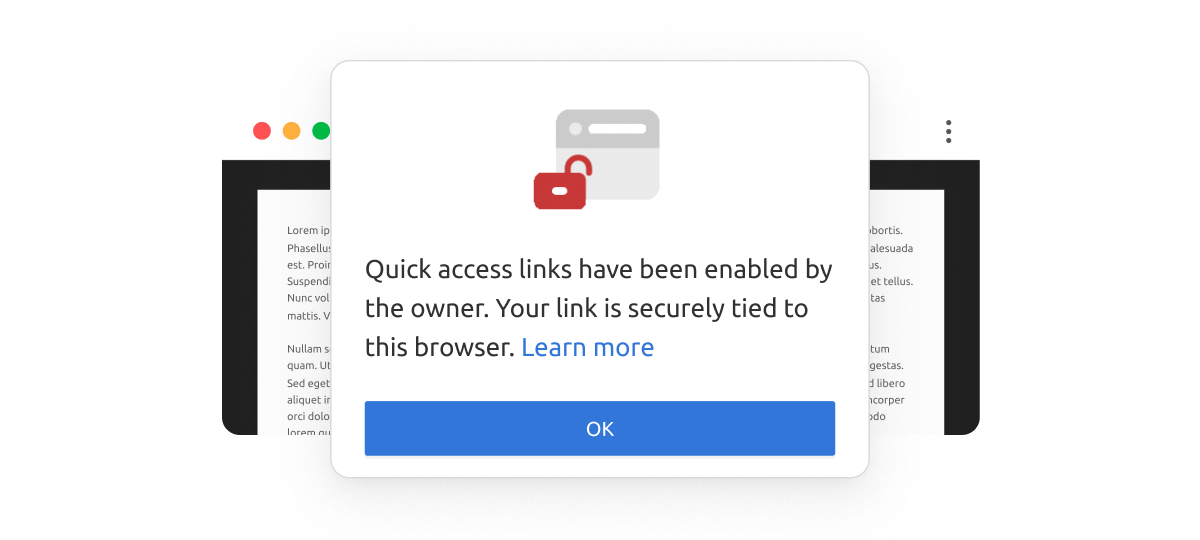
After launching quick access links for documents, we’re now extending them to data rooms. Each guest receives a personalized link to open a data room without creating an account or entering a password.
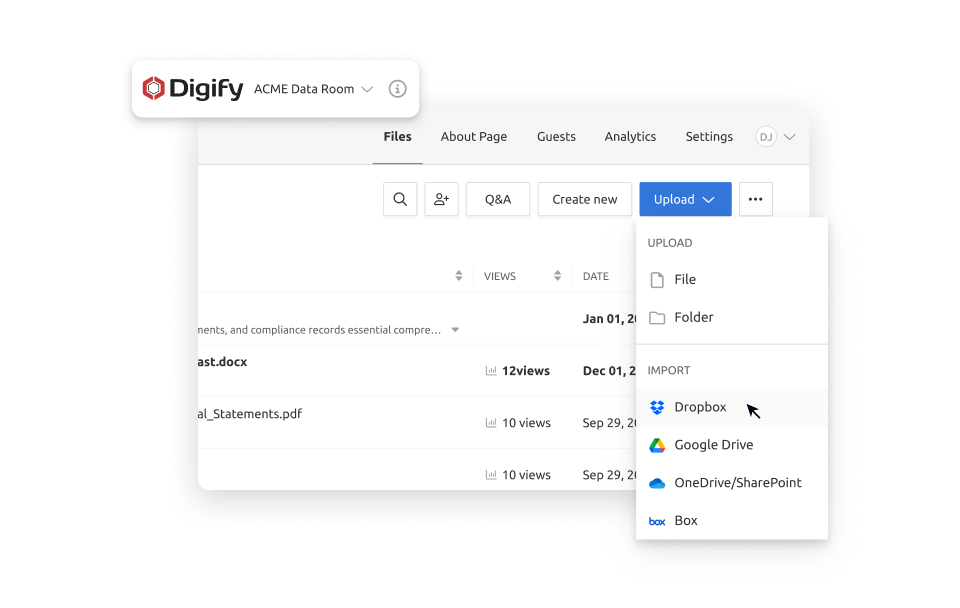
Import files or folders from OneDrive/SharePoint or Box* directly into Digify without having to download them first. The process is faster, smoother, and perfect for large data rooms.
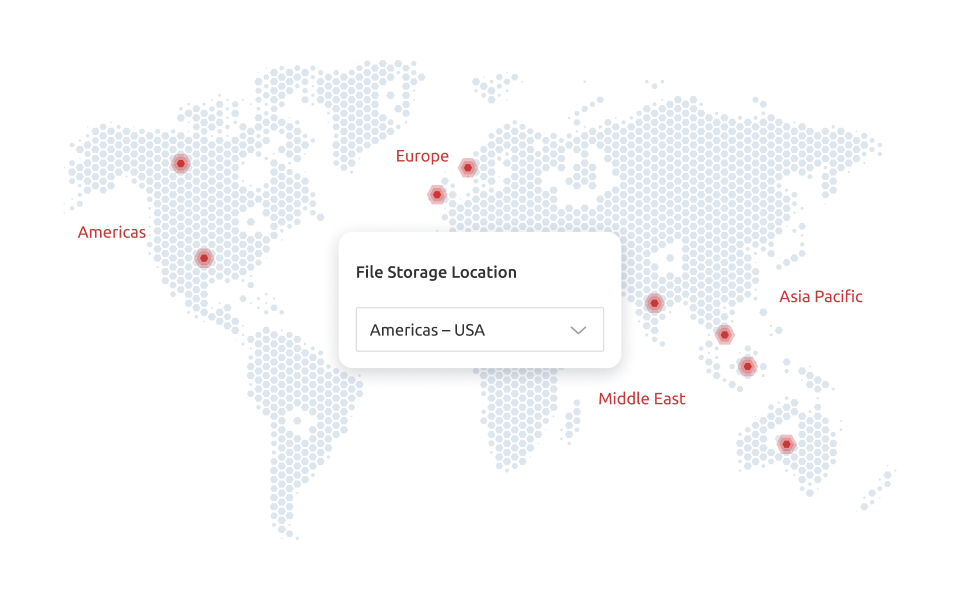
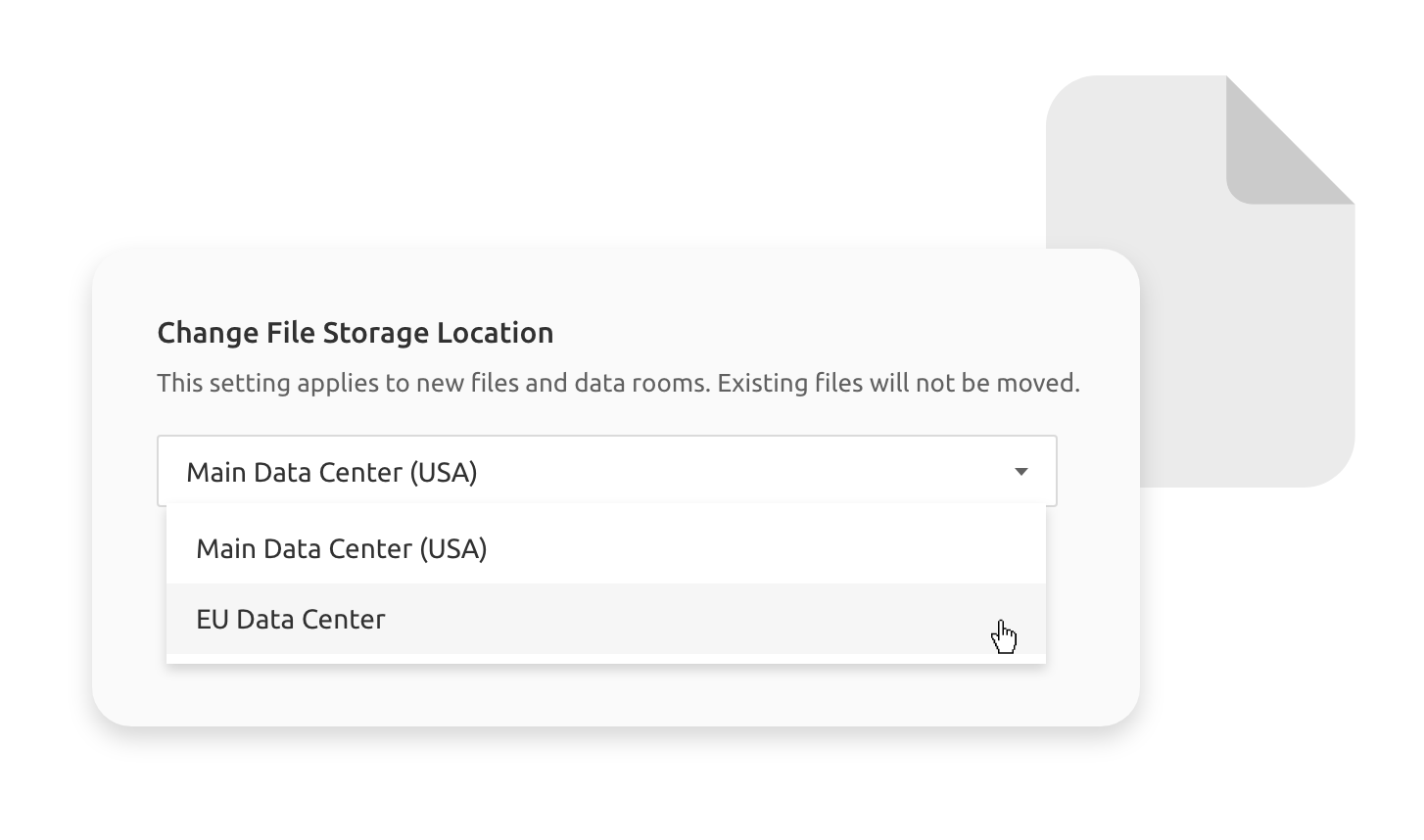
Digify now provides more file storage locations. Alongside our existing locations — the USA and Ireland — you can now choose from Canada, Australia, India, Singapore, the UK, or UAE to better meet your data residency and compliance needs.
Share files without requiring trusted recipients to log in
Quick Access Link lets you decide when trusted recipients can open your files directly via a link from their email, without logging in. You still get viewer analytics and personalized watermarks for each recipient, while making it easy for potential investors to view the documents.
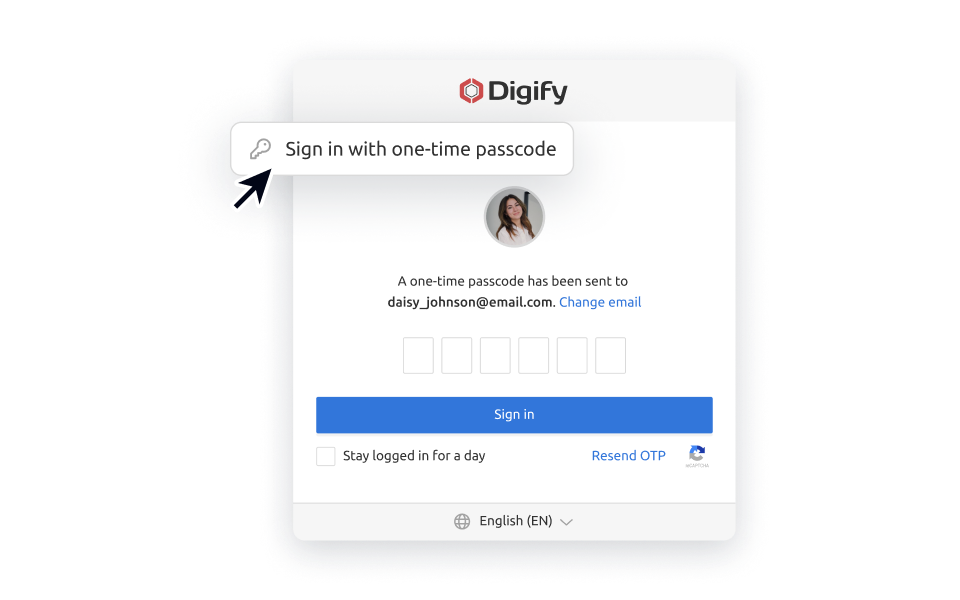
You can now log in to Digify using a secure 6-digit code sent to your email. New accounts no longer need to have a password, so guests and data room users can get to their documents faster, while keeping them secure.
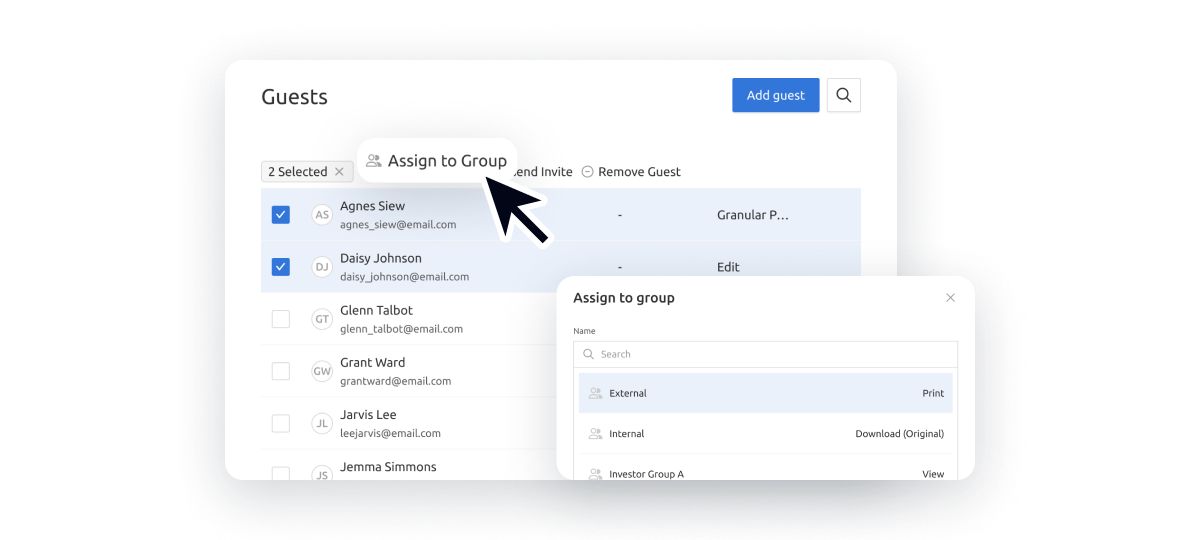
You can now select all data room guests and assign them to a group in one go. Use the new “Assign to Group” action on your guest list to organize access quickly and efficiently.
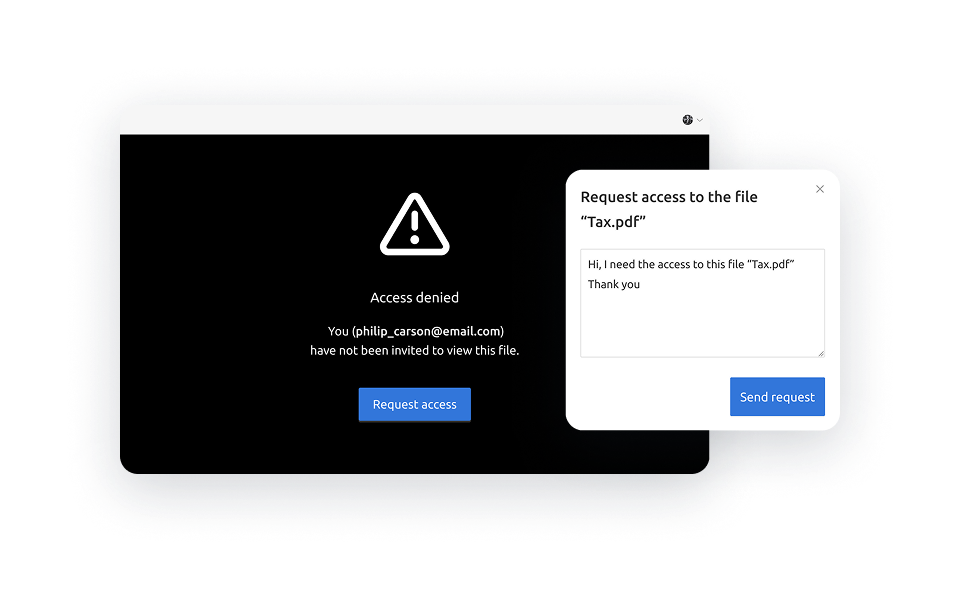
Guests can now request access to only the files or folders they need. Owners and co-owners can review, approve, or deny these requests in bulk to save time while keeping full control over access.
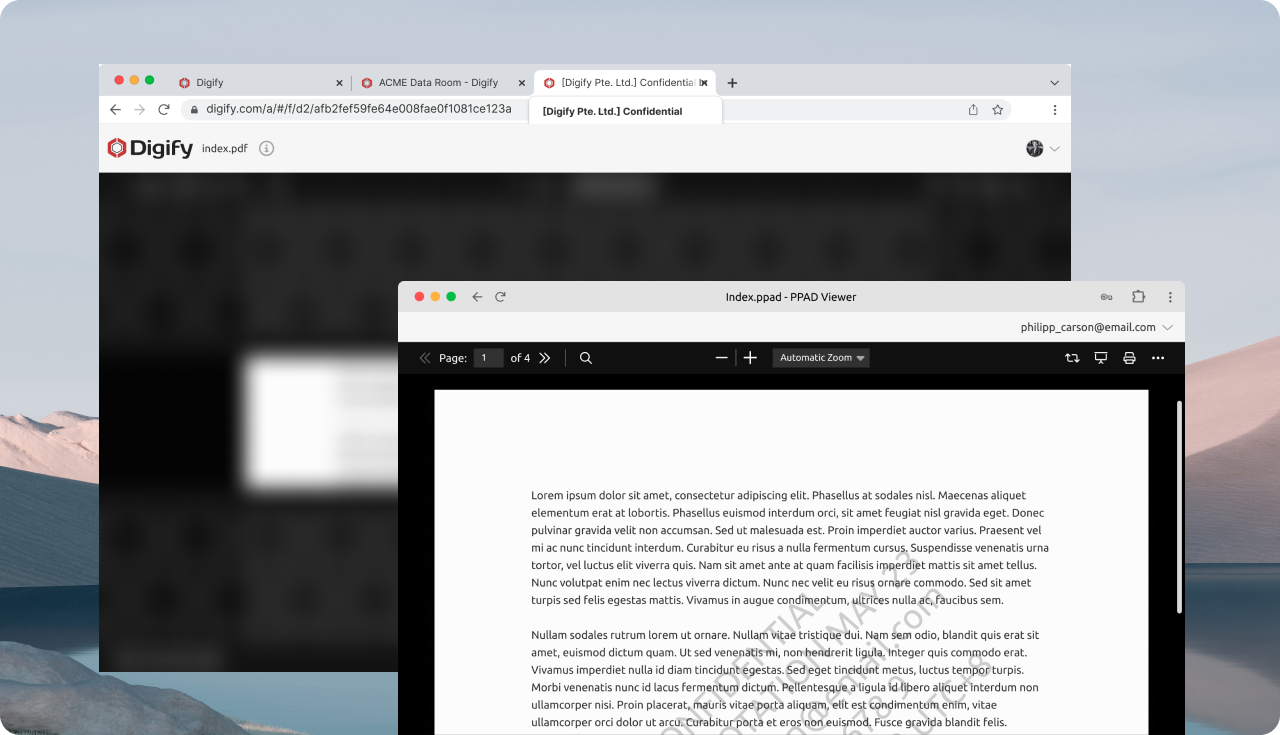
Screen Shield now includes screenshot protection, which automatically hides or blurs content when a screenshot attempt is detected or when the viewer goes out of focus (e.g., switches tabs/windows).
Admins can now select between EU and US file storage locations based on your organizational needs. You can also provide the flexibility to your team to select individual data room file storage locations.