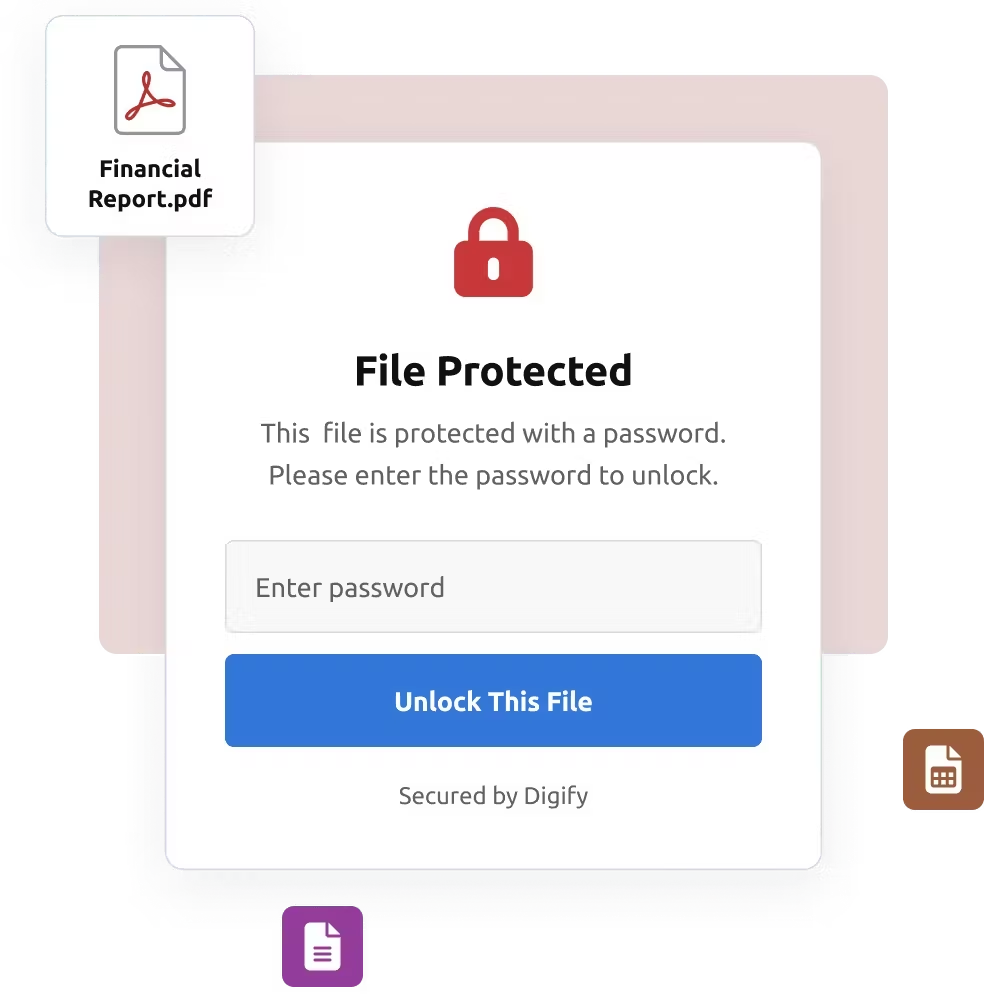
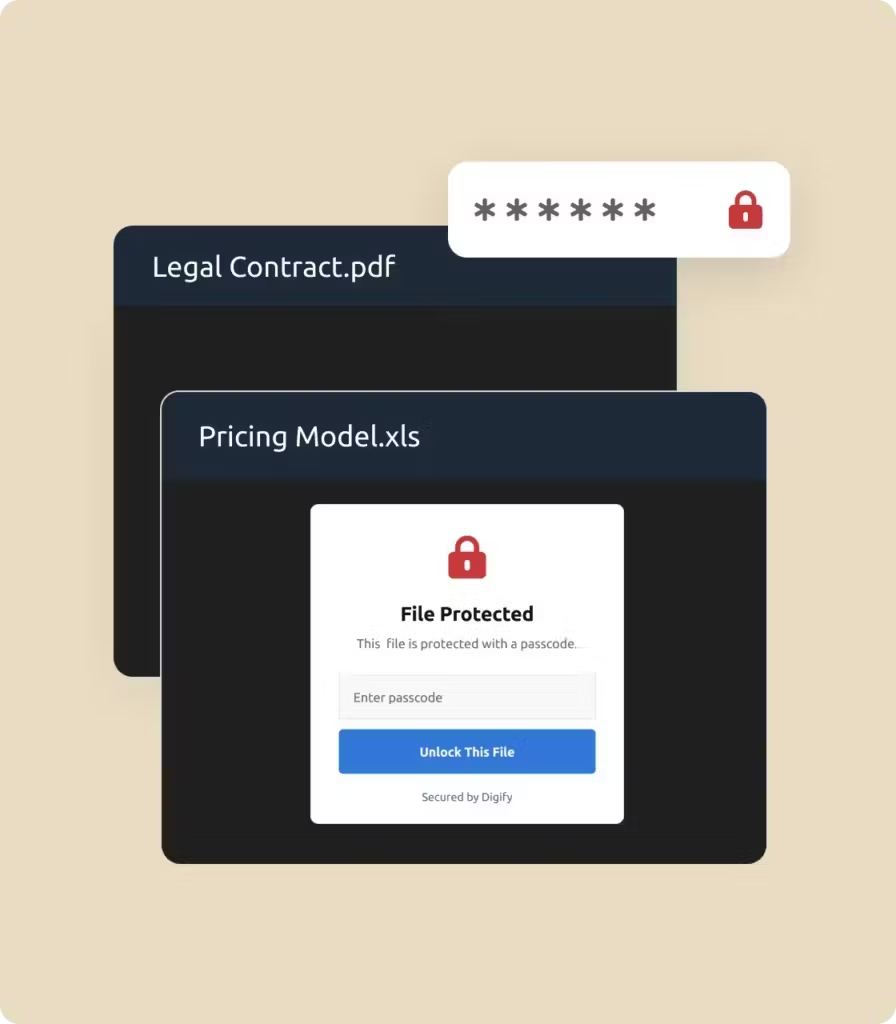
文件密码保护 通过密码保护安全共享 PDF 和敏感文档。确保只有合适的人才能访问您的文件,同时保持对文件使用方式的完全控制。. 开始免费试用 预约演示 无需信用卡 受全球 138 个国家超过 700,000 名专业人士信赖 根据您的条件提供安全保障 为 PDF 和关键业务文档添加密码保护。. 结合跟踪功能,监控谁在何时查看了您的文件。. 设置失效日期,限制在截止日期后的访问。. 随时撤销权限,甚至在文件打开之后。. 应用附加控制,如水印、禁止打印和禁止下载限制。. AES-256 加密技术可保护您的文件,并支持符合 ISO 27001、HIPAA、SOC 2 和 GDPR 标准。. 为每种使用情况提供密码保护 法律与合规 保持合同和法律文件的私密性。将密码保护与访问控制相结合,确保只有经授权的审阅者才能打开敏感文件。. 金融与银行 保护财务报告和交易文件。要求输入密码,防止未经批准访问机密信息。. 咨询与服务 确保客户交付成果和建议书的安全。密码保护让客户放心文件的私密性。. 教育与培训 限制对考试、电子书或培训手册的访问。密码保护可确保只有正确的学员才能进入。. 专为高风险安全共享而设计 法律与合规 通过受密码保护的共享功能,保护敏感合同并保持合规性。. 金融与银行 对报告、预测和尽职调查材料进行严格的访问控制。. 初创企业和中小型企业 利用密码保护功能确保投资者推介会、业务计划和内部战略文件的安全。. 教育与培训 通过受控访问权限安全分发课件和评估。. 医疗保健与生命科学 通过密码限制保护患者信息和研究数据。. 媒体与出版 仅凭密码访问,保护受版权保护的内容和手稿。. “我们一直使用 Digify 为投资者维护数据室,这样,即使敏感信息被发送到外部,也仍然会受到保护。我非常愿意推荐 Digify,因为它易于使用,当然还有安全性。” Jonathan E. Savoir 首席执行官兼联合创始人昆库斯 “Digify是一款简单而安全的工具,能够与我们已经使用的基础设施进行必要的整合。因此,为我们的内部团队选择和使用 Digify 是一个显而易见的决定”。” 乔纳森-阿加 前信息安全主管WeWork “界面和访问控制都非常直观。我能够看到有关文件访问和审查的细粒度数据。它有助于提供信息,让我深入了解勤勉流程是如何运行的。与 Gmail 的集成也非常有用,无需离开 Gmail 界面即可定期发送安全电子邮件。” 阿尔琼-夏尔马 法律总监峰顶 XV 合作伙伴 “他们的产品功能丰富,能及时响应客户反馈,而且他们的支持团队总是在第一时间为独特的问题提供创造性的解决方案”。” 詹姆斯-科斯塔 首席产品经理包装手册 “Digify通过强调一种简单而廉价的方法来应对控制和保护创意与信息这一经常性挑战,证明了自己最具创新性”。” 休-汤普森 首席技术官,赛门铁克首席法官RSA 创新沙箱 “我们喜欢将机密文件保密。有了 Digify,我们可以随时掌控谁可以访问,谁不可以访问。” 乔纳森-邓洛普 正式总法律顾问Vidyard “我们很高兴能为我们潜在的和活跃的投资组合公司提供安全的数据室,也很高兴能轻松地使用 Digify 发送预设超时的机密演示文稿。” 威尔-克利普根 执行合伙人兼联合创始人茧资本 “我们一直使用 Digify 为投资者维护数据室,这样,即使敏感信息被发送到外部,也仍然会受到保护。我非常愿意推荐 Digify,因为它易于使用,当然还有安全性。” Jonathan E. Savoir 首席执行官兼联合创始人昆库斯 “Digify是一款简单而安全的工具,能够与我们已经使用的基础设施进行必要的整合。因此,为我们的内部团队选择和使用 Digify 是一个显而易见的决定”。” 乔纳森-阿加 前信息安全主管WeWork “界面和访问控制都非常直观。我能够看到有关文件访问和审查的细粒度数据。它有助于提供信息,让我深入了解勤勉流程是如何运行的。与 Gmail 的集成也非常有用,无需离开 Gmail 界面即可定期发送安全电子邮件。” 阿尔琼-夏尔马 法律总监峰顶 XV 合作伙伴 “他们的产品功能丰富,能及时响应客户反馈,而且他们的支持团队总是在第一时间为独特的问题提供创造性的解决方案”。” 詹姆斯-科斯塔 首席产品经理包装手册 “Digify通过强调一种简单而廉价的方法来应对控制和保护创意与信息这一经常性挑战,证明了自己最具创新性”。” 休-汤普森 首席技术官,赛门铁克首席法官RSA 创新沙箱 “我们喜欢将机密文件保密。有了 Digify,我们可以随时掌控谁可以访问,谁不可以访问。” 乔纳森-邓洛普 正式总法律顾问Vidyard “我们很高兴能为我们潜在的和活跃的投资组合公司提供安全的数据室,也很高兴能轻松地使用 Digify 发送预设超时的机密演示文稿。” 威尔-克利普根 执行合伙人兼联合创始人茧资本 “我们一直使用 Digify 为投资者维护数据室,这样,即使敏感信息被发送到外部,也仍然会受到保护。我非常愿意推荐 Digify,因为它易于使用,当然还有安全性。” Jonathan E. Savoir 首席执行官兼联合创始人昆库斯 密码保护常见问题 如何在 Digify 中对 PDF 进行密码保护? 将文件上传到 Digify,设置密码,然后共享安全链接。接收者必须输入密码才能在浏览器中打开文件。. 哪些文件类型可以用密码保护? 文件经过加密,并与用户身份绑定。访问权限可设时间限制、设备限制、水印,并可随时撤销,甚至在下载后也可撤销。. 密码保护安全吗? 是的。Digify 采用行业安全标准 AES-256 加密技术,用您选择的密码保护您的文件。. 除了密码,我还能增加更多安全功能吗? 可以。您可以添加电子邮件验证、设置有效期、应用水印以及限制打印或下载,以提供分层保护。. 我可以跟踪谁打开了我受密码保护的文件吗? 是的。Digify 提供文档跟踪和分析功能,因此您可以查看谁在何时、用了多久访问了您的文件。您还可以看到他们关注的文件的特定部分。. 共享后可以取消访问权限吗? 是的,您可以随时撤销文件访问权限,即使在收件人打开文件后也是如此。. 收件人需要特殊软件吗? 不需要。受密码保护的文件可通过 Digify 的安全查看器直接在浏览器中打开。. 利用密码安全等功能保护文件 开始免费试用 预约演示 无需信用卡 即时激活功能 人力支持包括