Digify

Data room & DRM API for developers

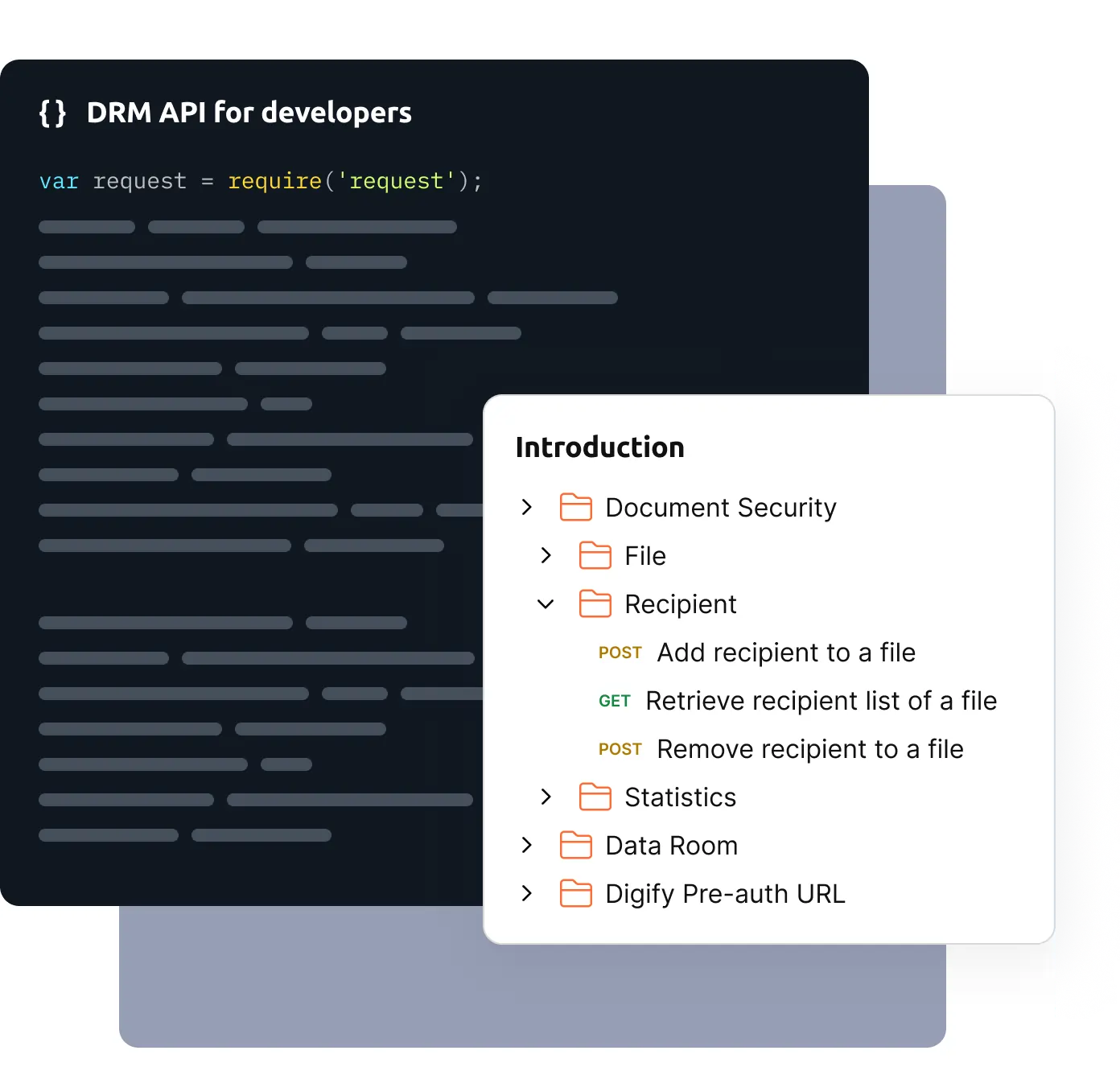
Secure documents and data rooms with a modern, easy-to-use DRM API. Add file protection, granular access, and real-time tracking to your product.

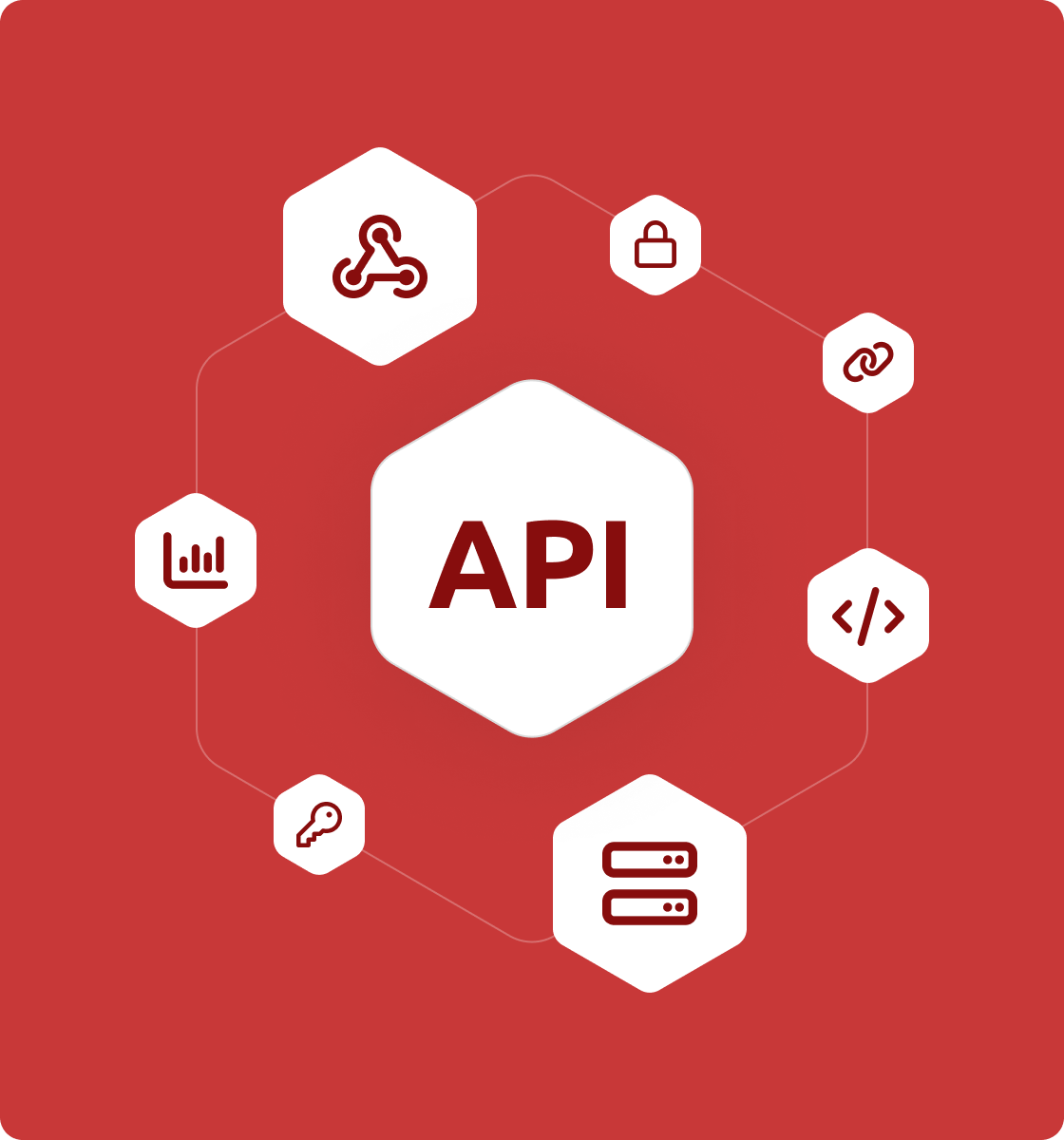
Secure by design

Granular permissions, dynamic watermarking, NDA gates, viewer verification.

Audit ready

Track opens, views, downloads, and revocations with immutable logs.

Webhooks

Subscribe to document and data room events in real time.

Stable REST

Secure, resource-oriented endpoints

Trusted by over 700,000 professionals across 138 countries

  • Image
  • Image
  • Image
  • Image
  • Image
  • Image
  • Image
  • Image
  • Image
  • Image
  • Image
  • Image
  • Image
  • Image
  • Image
  • Image
  • Image
  • Image
  • Image
  • Image
  • Image
  • Image

Quickstart​

  • 1

    In the Digify app, open the Developer Portal and create a new API key. Save the Key ID and Secret securely, the Secret will not be shown again

  • 2

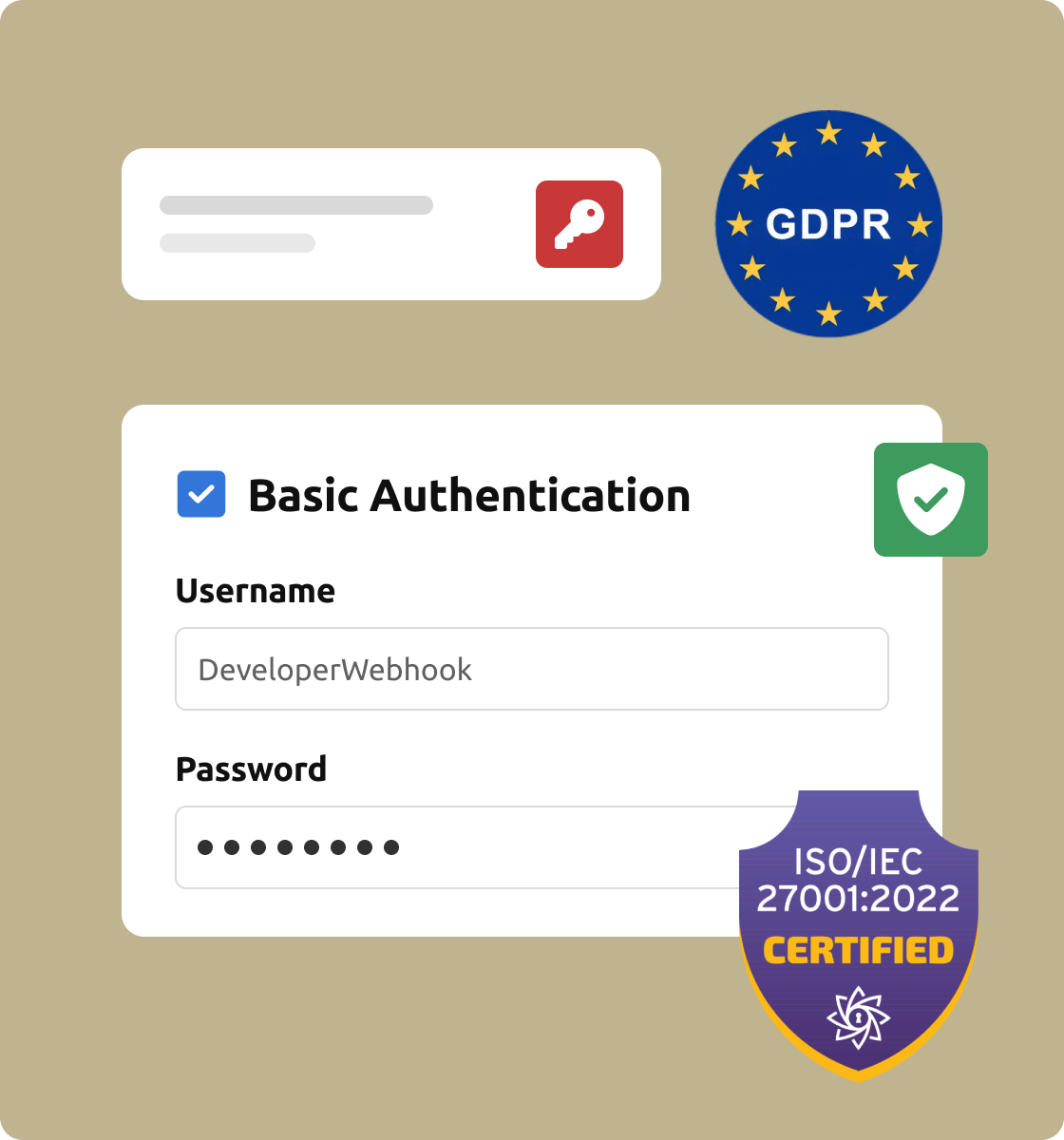
    Send requests with HTTP Basic Auth, using Key ID as username and Secret as password.

  • 3

    Upload a file via the API, then generate a secure access link with configurable controls such as download restrictions, expiry, and watermarking.

  • 4

    Receive lifecycle events such as document.viewed to track activity in real time.

Core concepts

Files Upload, secure, watermark, revoke.

Links Share controlled access to files or data rooms with expiry, verification, and optional NDA gate.

Recipients Identify and manage who can view content, with email verification.

Data rooms Create folders, invite members, set permissions, and track activity.

Analytics View timelines and heatmaps of engagement via API.

Webhooks Subscribe to lifecycle events with reliable delivery handling.

Popular endpoints

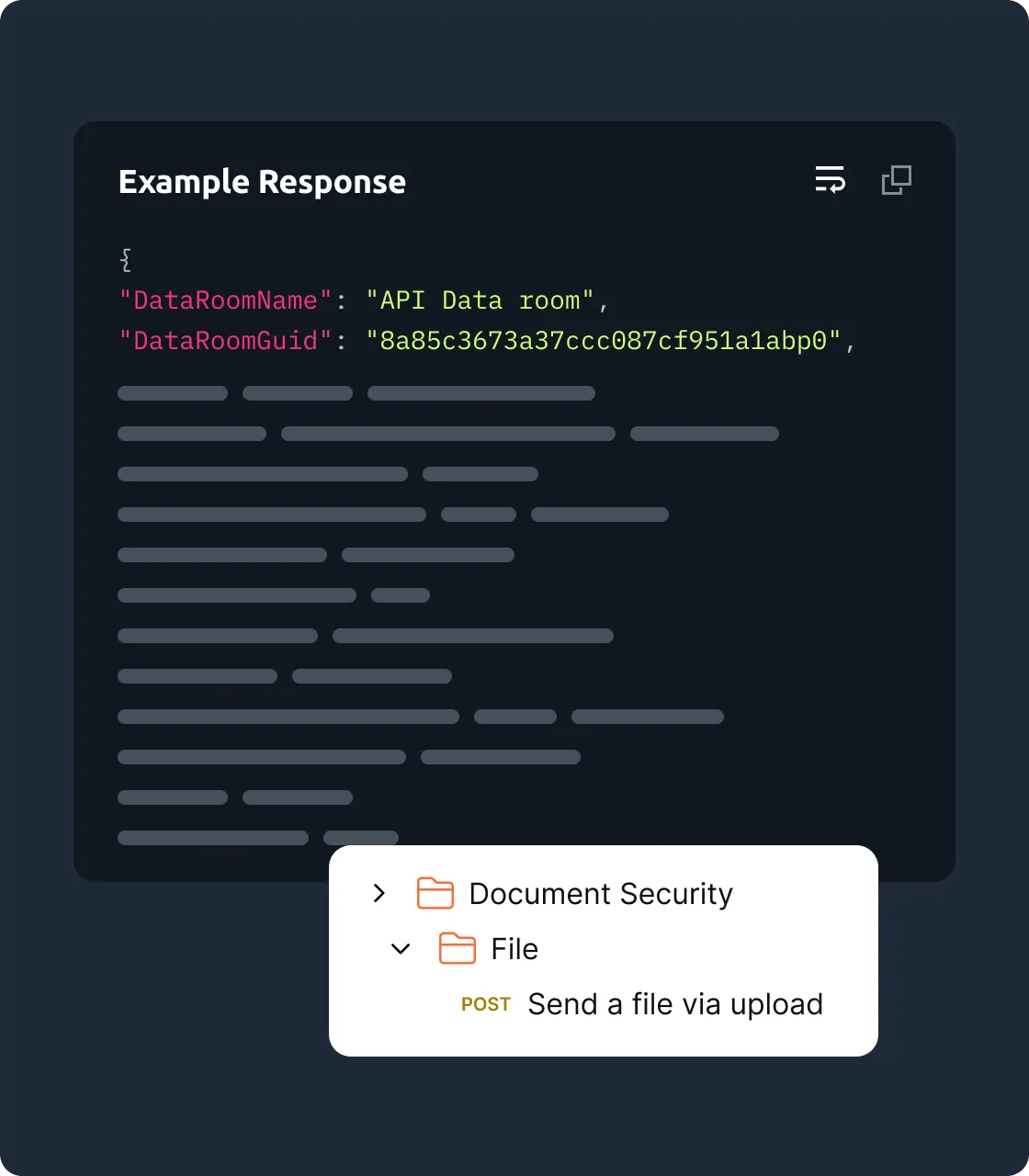
Send a file

Post

/v1/file/share

Create a data room

Post

/v1/dataroom/create

Retrieve data room statistics

Post

/v1/dataroom/statistics/summary

Add recipient to a file

Post

/v1/file/recipient/add

Retrieve data room guest list

GET

v1/dataroom/recipient/{dataroomguid}

 Get activity logs for a guest

Post

/v1/dataroom/statistics/activity/guest

See the API Reference for full schemas and error codes.

Frequently asked questions

Find questions and answers related to the design system, purchase, updates, and support.

A DRM API (Digital Rights Management API) allows developers to integrate content protection, access control, and secure file sharing features directly into their apps or platforms. It enables enforcement of document permissions like view-only access, watermarks, and expiry.

Yes. Digify provides a separate sandbox account for testing your DRM API integrations without impacting your live environment or production data. Contact support to request a sandbox account.

Authentication is done via HTTP Basic Auth using your Key ID as the username and Secret as the password. All API calls must be made over HTTPS for security. Never expose secrets in client-side code or logs.

Yes. The Digify API allows you to revoke document access at any time, even after the link has been shared. You can also set expiry dates and track recipient activity through audit logs.

Digify’s API is ideal for document-heavy industries like finance, legal, healthcare, and education. It's especially useful for sharing sensitive files with content protection, document rights management, and traceability.

Yes. The API is language-agnostic, returning structured JSON responses that can be localized within your frontend. SDKs and documentation are in English, but API responses are easily translatable.