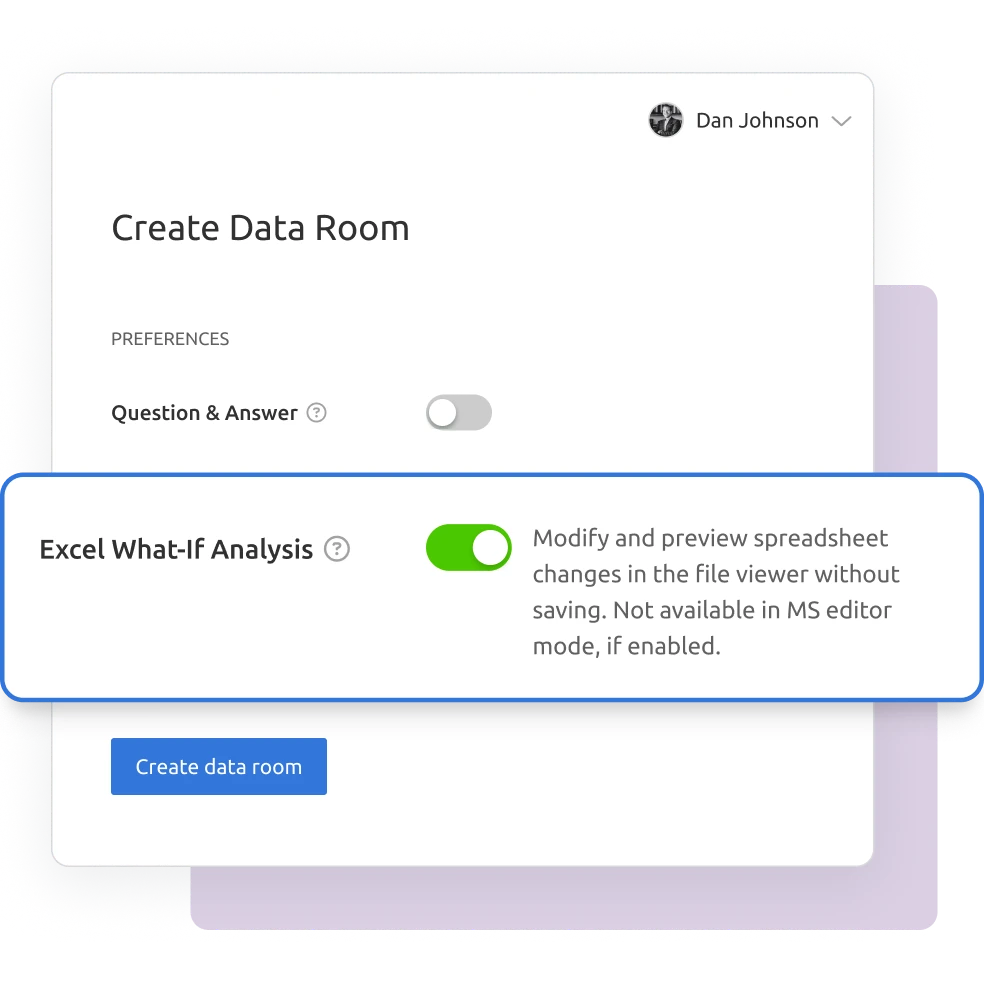
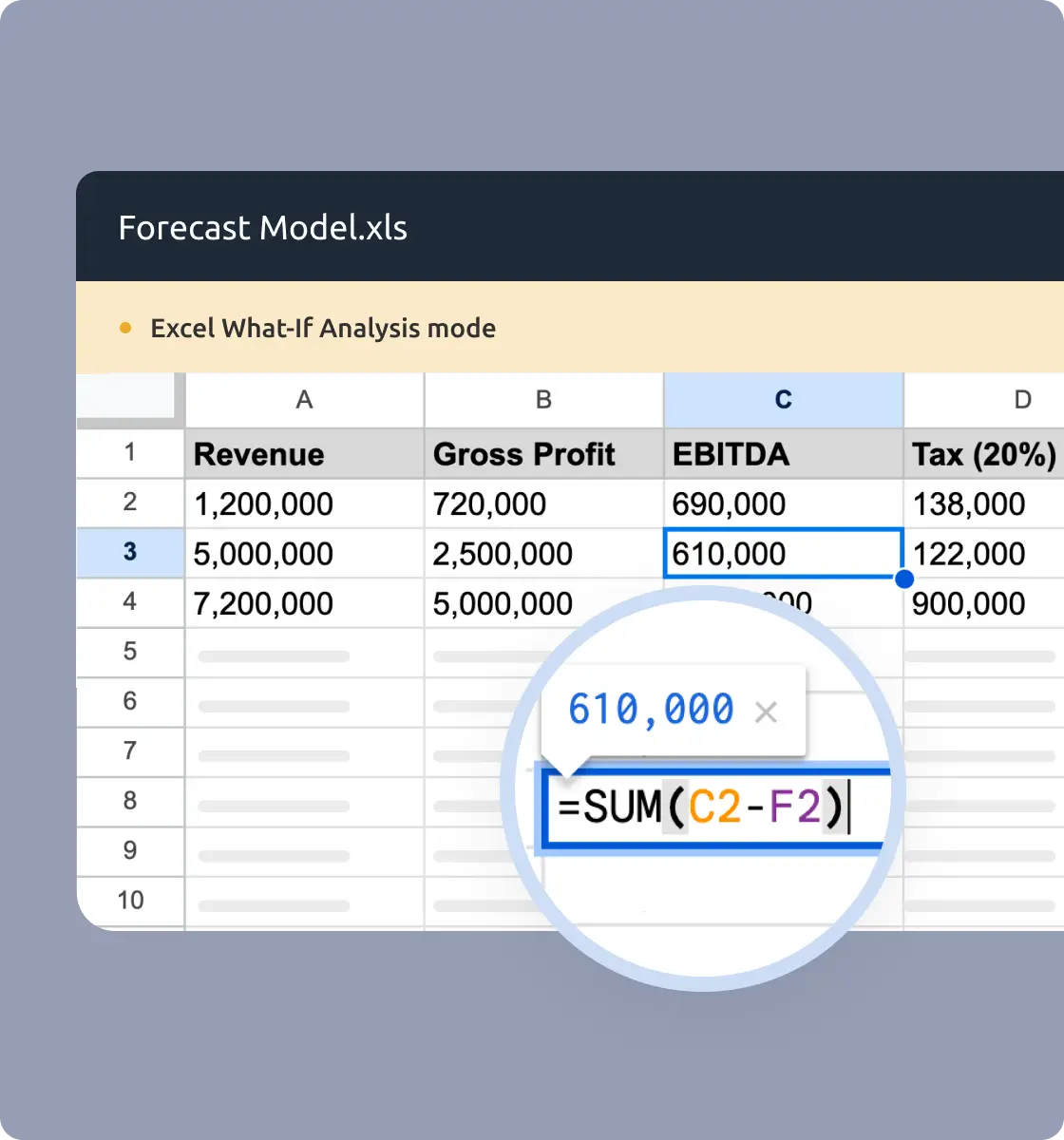
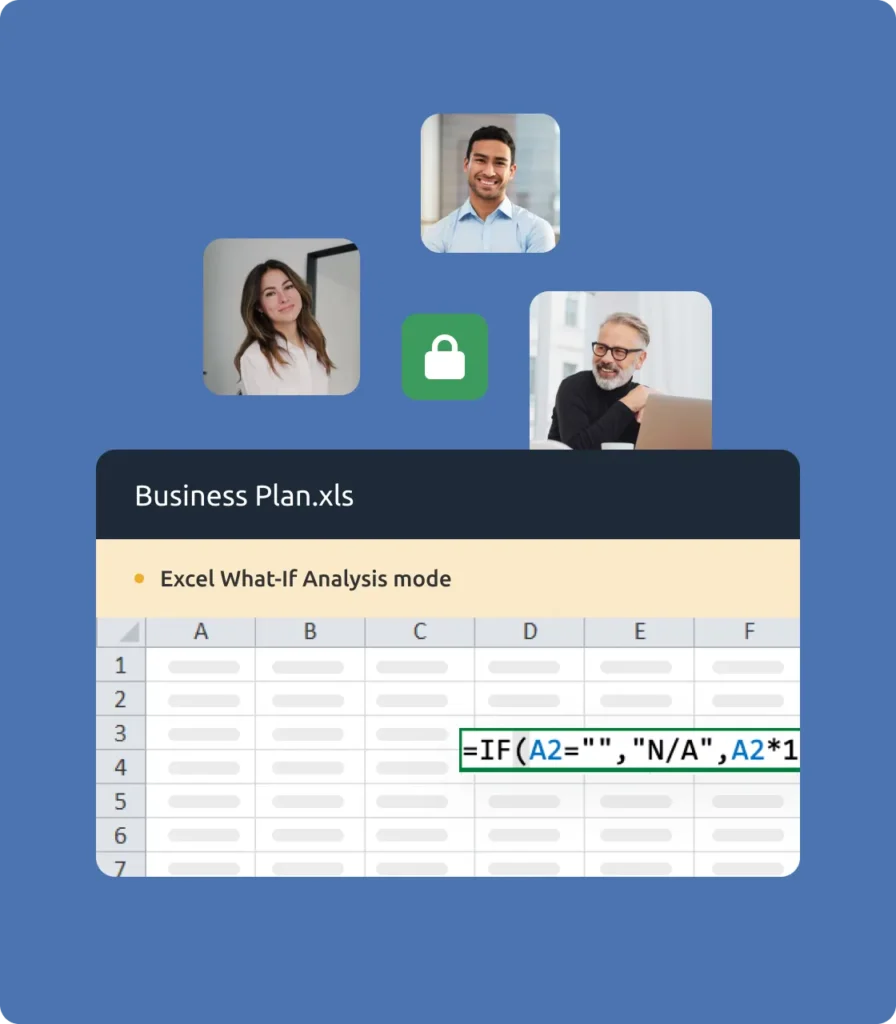
Give your recipients the ability to test scenarios in Excel without losing control of your file. With Digify’s Excel What-If Analysis, guests can explore data securely, one cell at a time, without downloading or altering the source file.
Startups & SMBs
Safely share business plans and financials with investors or partners while retaining control of your models.
Education & Training
Support interactive exercises with spreadsheets while preventing data misuse.
“Digify is a simple yet secure tool that provided the necessary integration with the infrastructure we already use. This made picking and using Digify for our internal teams an obvious decision.”
Jonathan Agha
Former Head of Information Security WeWork
“The interface, access controls are all very intuitive. I am able to see granular level data on document access and review. It helps provides information for insights into how a diligence process is operating. The integration with Gmail is also very useful to regularly send secure emails without leaving the gmail interface.”
Arjun Sharma
Director, Legal Peak XV Partners
“We’ve been using Digify for the last year to help securely send private documents to external partners. Their product saved us a lot of time from having to build our own tool to securely share these documents. Their product is feature rich, they respond to customer feedback, and their support team is on top of things always open to creative solutions to unique problems.”
James Costa
Principal Product Manager Wrapbook
“Digify demonstrated it was the most innovative by highlighting a simple and inexpensive way to address a recurring challenge of controlling and protecting ideas and information.”
Hugh Thompson
CTO, Symantec Head Judge RSA Innovation Sandbox
“We use Digify to securely send sensitive documents as part of due diligence processes and security reviews. We like to keep our confidential documents close to the chest. With Digify, we are always in control of who has access and who doesn’t.”
Jonathan Dunlop
Formal General Counsel Vidyard
“We love that we can provide our prospective and active portfolio company with secure data rooms and also that we easily can use Digify to send confidential presentations with preset timeouts. Digify creates a simple way to give and to revoke access to individual documents as needed.”
Will Klippgen
Managing Partner & Co-founder Cocoon Capital
“We always use Digify to maintain a data room for investors so that sensitive information is still protected, even when it is sent externally. I’m very likely to recommend Digify for its ease of use and of course, the security.”
Jonathan E. Savoir
CEO & Co-founder Quincus
Excel What-If Analysis FAQs
Excel What-If Analysis lets data room guests view, edit, and test spreadsheet scenarios one cell at a time without downloading or altering the original file.
No. Guests can only download the original uploaded file. Any modifications made during What-If Analysis are temporary.
Excel What-If supports XLS, XLSX, CSV, ODS, and TSV files.
No. Guests can only copy or paste values one cell at a time. Bulk copy, cut, or paste is disabled.
Data room owners or co-owners can toggle the feature on or off in the data room settings.
Excel What-If Analysis is available on all paid plans.