Send, track, and revoke confidential files directly from your inbox. Digify’s Gmail and Outlook integrations make it easy to secure every attachment, prevent leaks, and stay in control, without changing how your teams work.
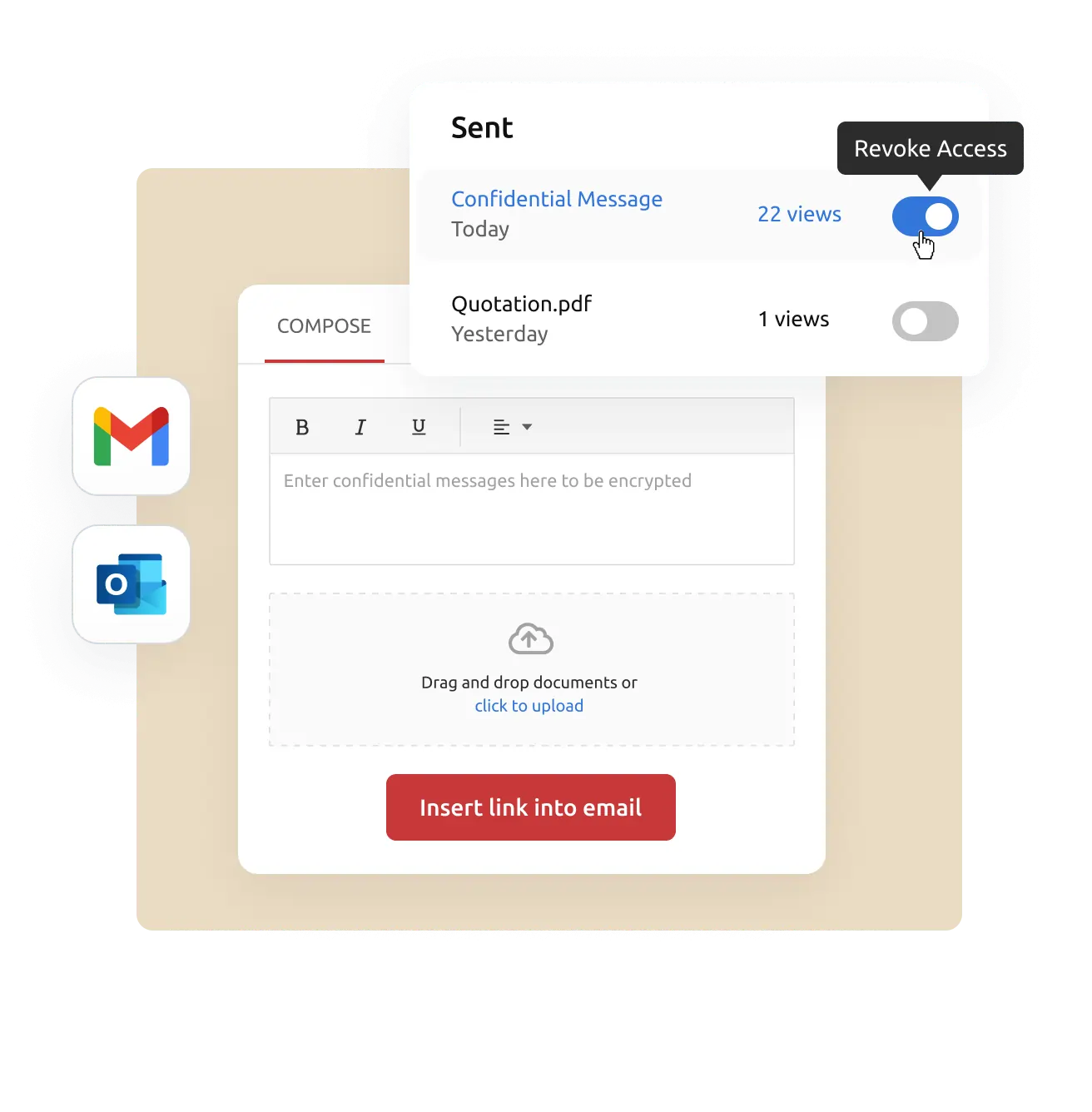
Encrypts and tracks email attachments, lets you see views and control access, and allows you to unsend attachments anytime for secure sharing.
Key Benefits:
Track opens and views
Revoke access anytime
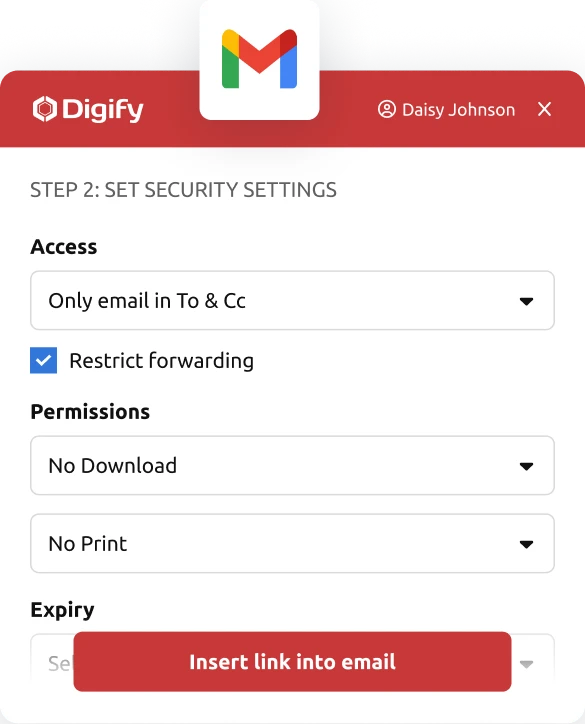
Control download/print and watermark
Setup Effort: Install the Digify Chrome extension and sign in
Works With: Document Security, Data Rooms
Outlook + Digify
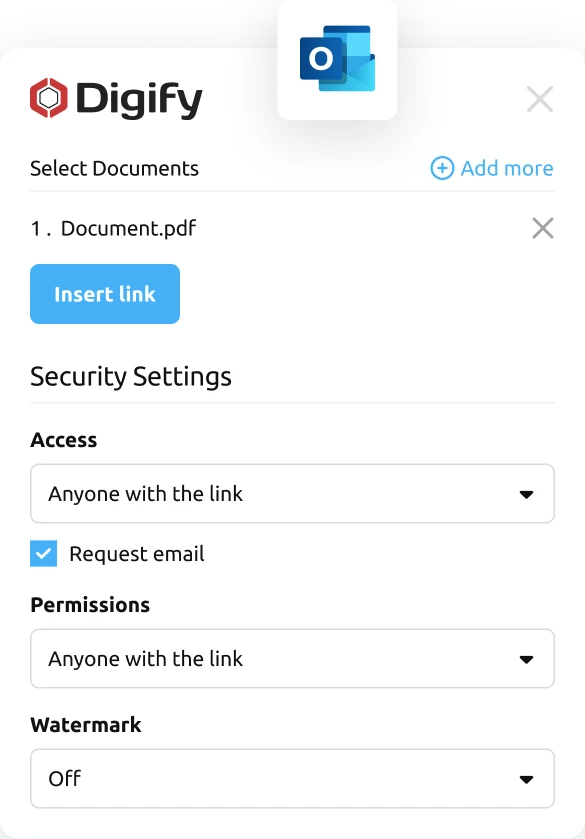
Send encrypted attachments securely from Outlook, track views and downloads, and revoke access anytime right from your inbox.
Key Benefits:
Embed attachments as secure links
Track views and downloads
Unsend anytime
Setup Effort: Install the Digify add-in via Microsoft AppSource
Works With: Document Security, Data Rooms
Why teams use Digify for secure email
Simplify compliance
Meet data protection and privacy requirements effortlessly by securing attachments before they ever leave your inbox.
Enhance professionalism
Deliver a seamless recipient experience, files open directly in the browser with your branding, no downloads or plugins required.
Save time and reduce risk
Automate control and tracking so your teams spend less time worrying about security and more time communicating confidently.
Built for professionals who need secure communication
Legal & Compliance
Protect sensitive contracts and client information shared via email.
Finance & Banking
Send reports and due diligence files securely with complete traceability.
Consulting & Services
Deliver proposals and confidential client materials with revoke control.
Sales & Marketing
Track prospect engagement on shared decks and control what can be downloaded.
Startups & SMBs
Keep investor updates and business files safe when sharing via Gmail or Outlook.
“Digify is a simple yet secure tool that provided the necessary integration with the infrastructure we already use. This made picking and using Digify for our internal teams an obvious decision.”
Jonathan Agha
Former Head of Information Security WeWork
“The interface, access controls are all very intuitive. I am able to see granular level data on document access and review. It helps provides information for insights into how a diligence process is operating. The integration with Gmail is also very useful to regularly send secure emails without leaving the gmail interface.”
Arjun Sharma
Director, Legal Peak XV Partners
“We’ve been using Digify for the last year to help securely send private documents to external partners. Their product saved us a lot of time from having to build our own tool to securely share these documents. Their product is feature rich, they respond to customer feedback, and their support team is on top of things always open to creative solutions to unique problems.”
James Costa
Principal Product Manager Wrapbook
“Digify demonstrated it was the most innovative by highlighting a simple and inexpensive way to address a recurring challenge of controlling and protecting ideas and information.”
Hugh Thompson
CTO, Symantec Head Judge RSA Innovation Sandbox
“We use Digify to securely send sensitive documents as part of due diligence processes and security reviews. We like to keep our confidential documents close to the chest. With Digify, we are always in control of who has access and who doesn’t.”
Jonathan Dunlop
Formal General Counsel Vidyard
“We love that we can provide our prospective and active portfolio company with secure data rooms and also that we easily can use Digify to send confidential presentations with preset timeouts. Digify creates a simple way to give and to revoke access to individual documents as needed.”
Will Klippgen
Managing Partner & Co-founder Cocoon Capital
“We always use Digify to maintain a data room for investors so that sensitive information is still protected, even when it is sent externally. I’m very likely to recommend Digify for its ease of use and of course, the security.”
Jonathan E. Savoir
CEO & Co-founder Quincus
Frequently asked questions
No. You continue sending emails normally — Digify replaces attachments with secure, trackable links.
Only if you allow it. You can disable forwarding, downloading, or printing, and apply dynamic watermarks to discourage sharing.
Yes. You can revoke or expire access at any time, even after the recipient has opened the email.
Yes. The Digify Chrome extension works with Gmail and Google Workspace. The Outlook add-in works with Microsoft 365 and Exchange accounts.
Yes. Digify is ISO 27001 certified, and all files are encrypted using AES-256 encryption. We maintain rigorous security and privacy controls to protect customer data as per GDPR compliance.