Digify

Give your guests instant access while keeping full control

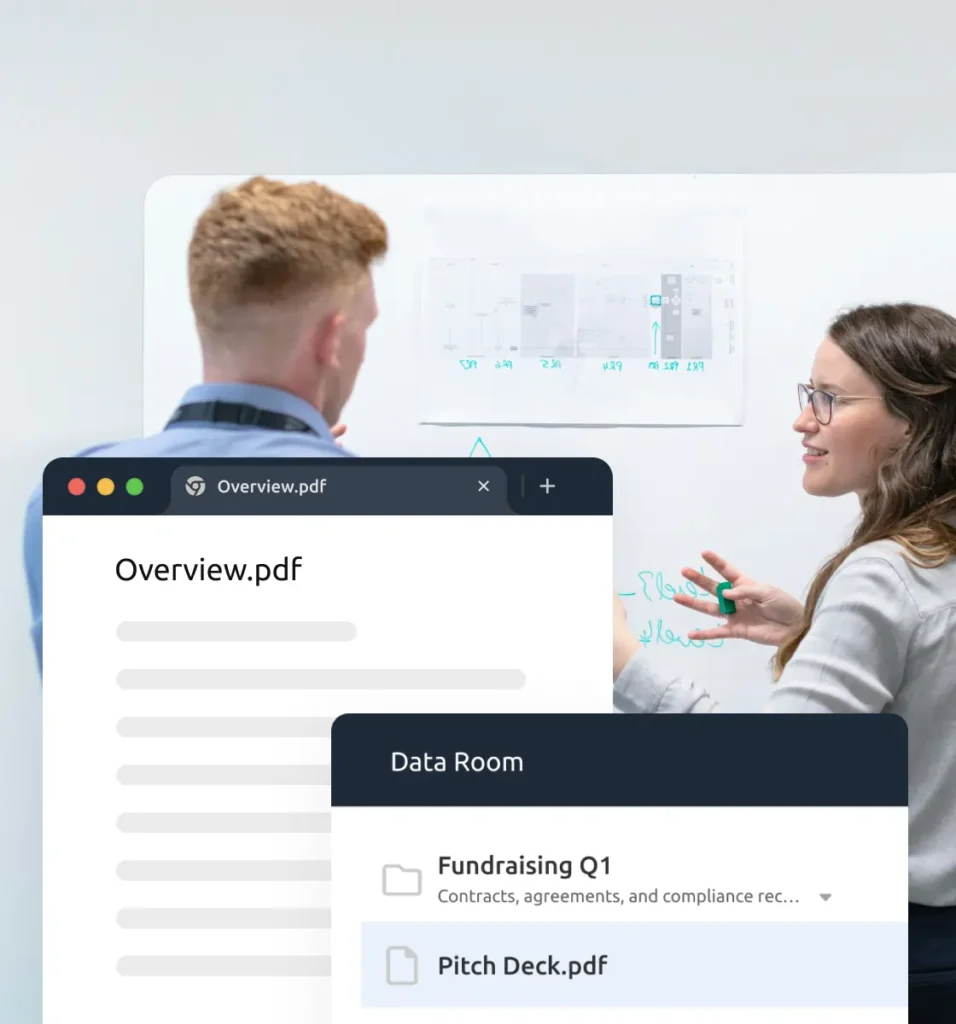
When you invite guests to your data room or share files, Quick Access Link delivers a smooth, professional access experience without compromising security.

No credit card needed

HP_Hero_QuickAccess

Trusted by over 700,000 professionals across 138 countries

  • Image
  • Image
  • Image
  • Image
  • Image
  • Image
  • Image
  • Image
  • Image
  • Image
  • Image
  • Image
  • Image
  • Image
  • Image
  • Image
  • Image
  • Image
  • Image
  • Image
  • Image
  • Image

Why access experience matters to you as an Admin

Your recipients are not Digify users. They are external guests, prospects, or stakeholders who simply want to view a document.

If access feels difficult:

  • Files go unopened
  • Guests ask for support
  • Deals slow down
  • Your data room feels harder to use than it should

Quick Access Link removes these problems by making access effortless for your guests, while keeping management simple for you.

What you get as an Admin

A smoother experience for your recipients

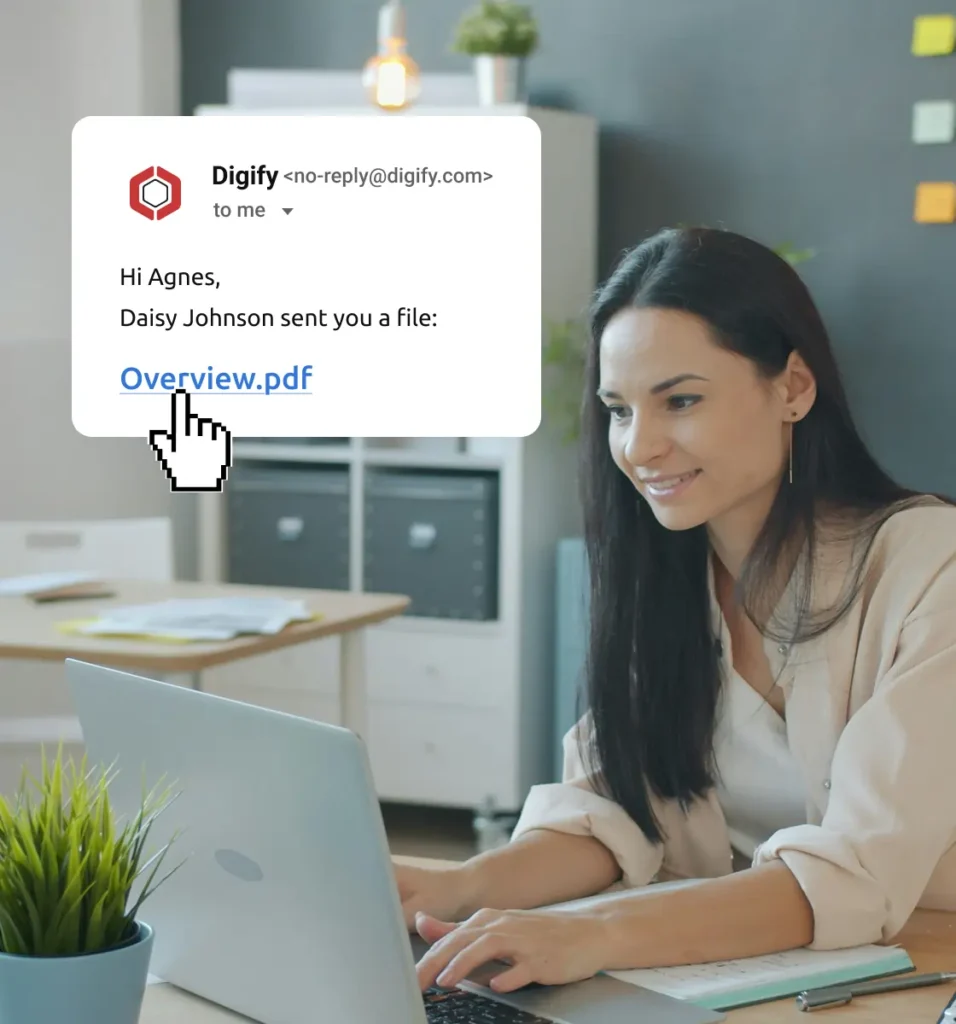
Each guest receives a personal, unique access link that opens the file immediately. This reduces confusion and increases open rates.

Security built in by default

Links are automatically locked to the device and browser used on first access. Each recipient is limited to one mobile device and one desktop browser.

Full control stays with you

You decide exactly who can access the file. All document security rules still apply, including watermarks, download restrictions, expiry, and access revocation.

Clear tracking and accountability

Access is still tracked per recipient. You retain complete visibility into who viewed your files, when, and how often.

Designed for sharing with external guests

  • Investors and advisors
    Give busy stakeholders fast, no-friction access to key documents without asking them to create accounts or complete extra verification steps.

  • Buyers and sellers
    Ensure smooth access to sensitive deal materials, helping transactions move forward without delays caused by login or access issues.

  • External partners
    Share files securely with third parties while maintaining full control, visibility, and professional presentation.

  • Students and subscribers
    Deliver learning materials, reports, or gated content with instant access. Quick Access Link helps students and subscribers open files easily, increasing engagement while keeping access limited to approved recipients.

Quick Access Link FAQs

A Quick Access Link is a personalized, secure link that allows recipients to open a shared file instantly. Recipients do not need to create a Digify account, verify their email, or complete OTP authentication on first access.

Quick Access Link is designed for Digify admins who regularly share files with external guests such as investors, prospects, partners, or buyers and sellers. It improves the access experience for recipients while keeping full security and control with the admin.
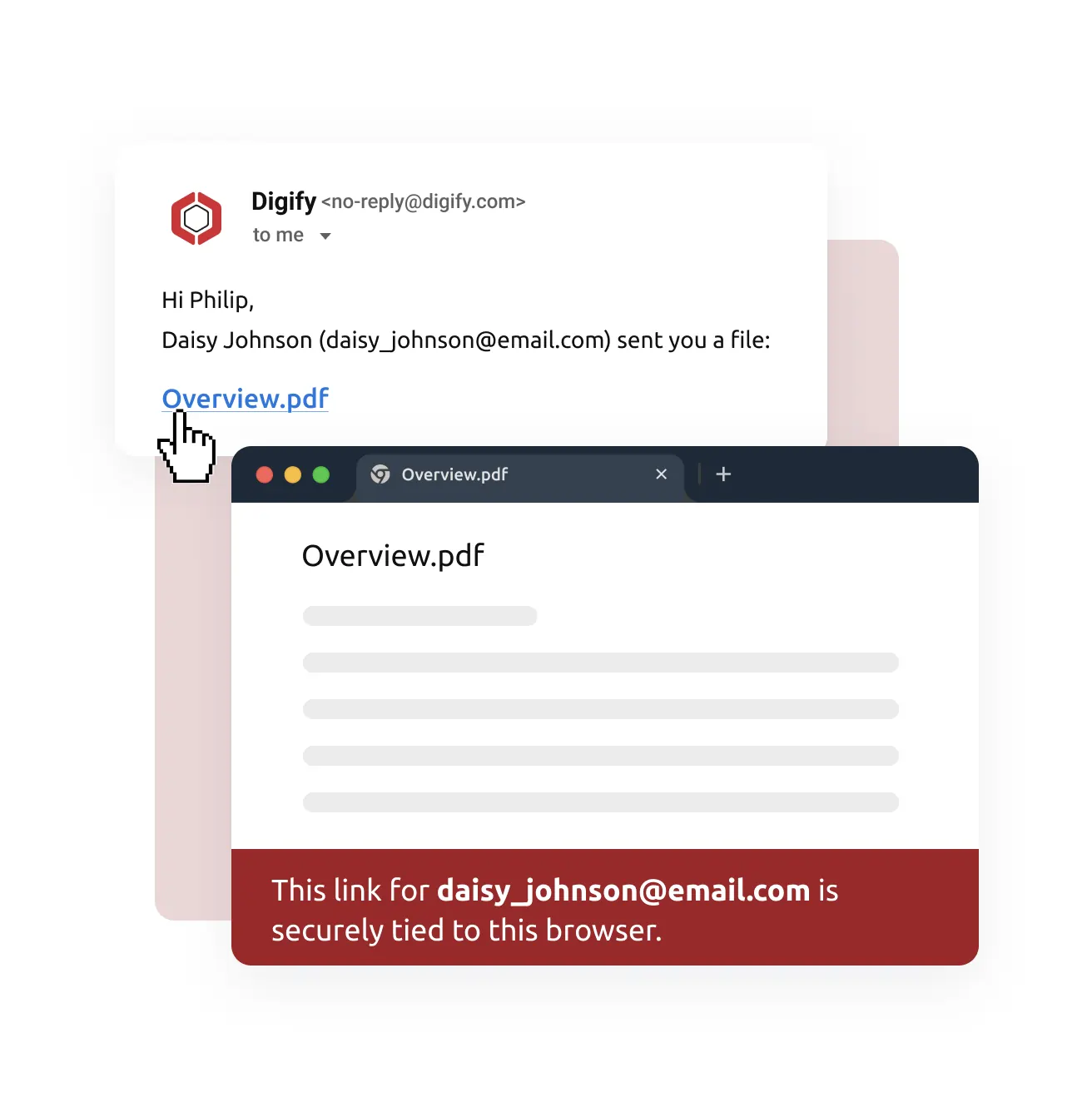
Yes. Each Quick Access Link is tied to the recipient and locked to the browser and device used on first access. Only one mobile device and one desktop browser are allowed per recipient. Additional verification is required if the recipient switches browsers or devices.

No. Even if a link is forwarded, it cannot be freely reused. The link is securely tied to the original recipient’s browser. Anyone else attempting to open it will be blocked or required to verify their identity.

Yes. All Digify document security controls still apply, including:

  • Watermarks

  • Download and print restrictions

  • Expiry dates

  • Access revocation

  • Activity tracking and analytics

Quick Access Link only simplifies access. It does not reduce security.

Yes. You can revoke or update recipient access at any time. Once access is revoked, the Quick Access Link will no longer work.

No. A file’s Access setting cannot be changed after it has been sent. If you need to modify the Access type, you will need to delete the file and resend it with the new settings.

Quick Access Link is best used when:

  • Sharing with external or first-time recipients

  • Access speed and ease are critical

  • You want to reduce recipient confusion and support requests

  • You want higher open and engagement rates

Frictionless access built for secure document sharing

  • No credit card required

  • Instant activation to features

  • Full human support included