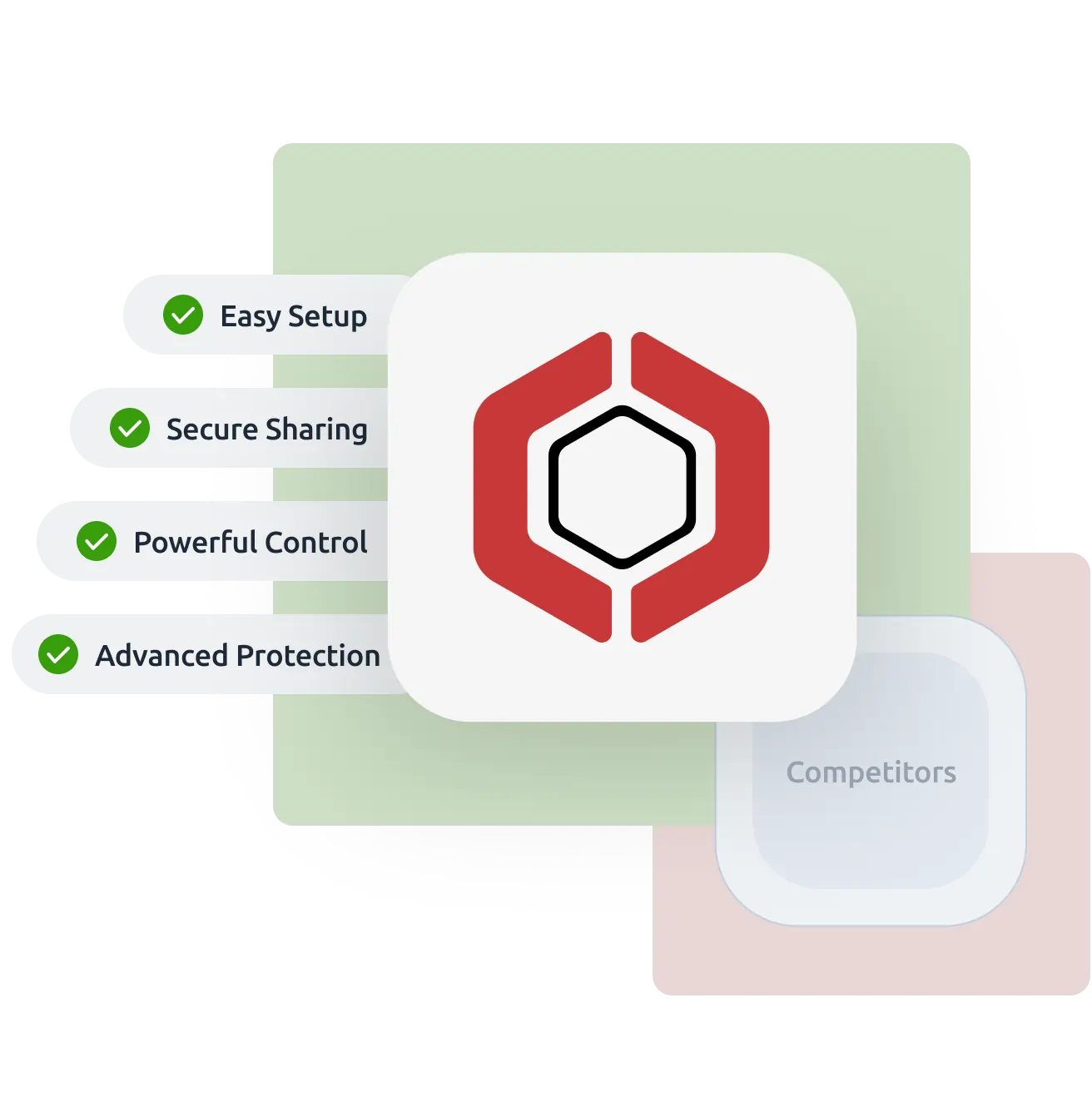
Looking for a Locklizard alternative? Digify offers an intuitive and cost-effective way to protect, track, and control your sensitive documents without the complexity.
Trusted by over 700,000 professionals across 138 countries
Why teams switch from Locklizard to Digify
A modern experience built for simplicity
Digify offers a clean, intuitive interface that makes secure document sharing easy for anyone, without the steep learning curve of Locklizard.
Pricing that fits your needs, no hidden costs
Digify provides clear, flexible plans that scale with your business, unlike Locklizard’s more rigid and less transparent pricing structure.
Faster, more reliable customer support
Digify is known for responsive, helpful support that ensures your team gets the assistance you need, when you need it.
No app installation required
Unlike Locklizard, which requires users to install a desktop application, Digify works fully in the cloud. Recipients can securely view documents instantly through any browser, with no software installation needed.
More control over every user and document
Digify lets you manage access with detailed permission settings, helping you control viewing, downloading, and sharing more effectively than Locklizard.
Know exactly how your documents are viewed
Digify tracks engagement down to each page, giving you deeper insight into viewer activity than Locklizard’s limited reporting.
A modern, user-friendly design focused on ease of use.
Outdated user interface design
App installation
Not required, since Digify runs entirely in a cloud-based environment.
A desktop application is required to fully protect your documents.
Tracking and analytics
Detailed analytics tracking at the page level, including views, prints, and downloads.
Basic tracking with file-level analytics
Granular access permissions
Granular, tiered access control permissions at the file and folder level, including view, edit, co-owner, and more.
Simple access permission (with or without access)
Protection after download
✅ Yes (New technology with less friction to use)
✅ Yes (Old technology)
Screenshot prevention
✅ Yes (Enhanced version with Screen Shield)
✅ Yes
Prevent unauthorized viewing, sharing, copying, and editing
✅ Yes
✅ Yes
Control print and download permissions
✅ Yes
✅ Yes
Revocation of users & documents
✅ Yes
✅ Yes
Dynamic watermarks
✅ Yes
✅ Yes
*Notes: The comparison focuses on common capabilities and highlights areas customers tell us matter most during diligence and secure sharing. Features can vary by plan for any vendor.
“Digify is a simple yet secure tool that provided the necessary integration with the infrastructure we already use. This made picking and using Digify for our internal teams an obvious decision.”
Jonathan Agha
Former Head of Information Security WeWork
“The interface, access controls are all very intuitive. I am able to see granular level data on document access and review. It helps provides information for insights into how a diligence process is operating. The integration with Gmail is also very useful to regularly send secure emails without leaving the gmail interface.”
Arjun Sharma
Director, Legal Peak XV Partners
“We’ve been using Digify for the last year to help securely send private documents to external partners. Their product saved us a lot of time from having to build our own tool to securely share these documents. Their product is feature rich, they respond to customer feedback, and their support team is on top of things always open to creative solutions to unique problems.”
James Costa
Principal Product Manager Wrapbook
“Digify demonstrated it was the most innovative by highlighting a simple and inexpensive way to address a recurring challenge of controlling and protecting ideas and information.”
Hugh Thompson
CTO, Symantec Head Judge RSA Innovation Sandbox
“We use Digify to securely send sensitive documents as part of due diligence processes and security reviews. We like to keep our confidential documents close to the chest. With Digify, we are always in control of who has access and who doesn’t.”
Jonathan Dunlop
Formal General Counsel Vidyard
“We love that we can provide our prospective and active portfolio company with secure data rooms and also that we easily can use Digify to send confidential presentations with preset timeouts. Digify creates a simple way to give and to revoke access to individual documents as needed.”
Will Klippgen
Managing Partner & Co-founder Cocoon Capital
“We always use Digify to maintain a data room for investors so that sensitive information is still protected, even when it is sent externally. I’m very likely to recommend Digify for its ease of use and of course, the security.”
Jonathan E. Savoir
CEO & Co-founder Quincus
FAQ for Locklizard alternative
Digify is a cloud-based document security platform designed for ease of use, modern collaboration, and flexible access. Locklizard relies on desktop software installations, making it less convenient for sharing documents externally.
No. Digify works entirely in the browser, so recipients can securely view documents without downloading or installing any apps, unlike Locklizard.
Yes. Digify provides a modern, intuitive interface built for fast adoption. Locklizard’s desktop-based workflow can feel more complex and outdated.
Digify includes detailed page-by-page analytics, allowing you to track exactly how viewers interact with each document. This level of insight is more limited in Locklizard.
Yes. Digify offers granular permissions such as controlling downloads, printing, sharing, and even revoking access anytime.
Absolutely. Digify is built for secure document sharing with clients, partners, and external stakeholders, without requiring complicated setup or software installation.
Start protecting your sensitive documents with Digify today