Digify

Features that put you in control

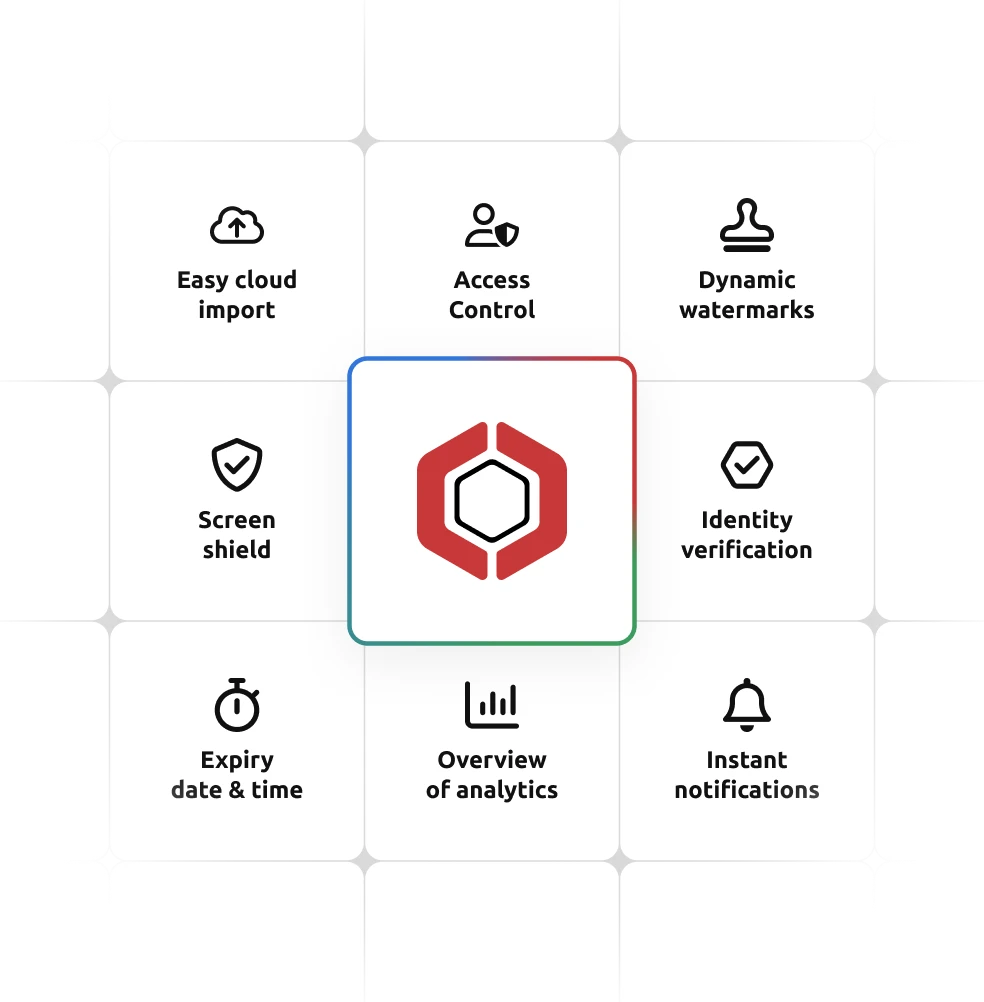
From persistent protection after download to page‑level tracking and enterprise‑grade compliance, see everything Digify can do for your documents.

No credit card needed

Integrate with your current workflows

Connect Digify through powerful software integrations to keep workflows seamless and secure. From email add-ins to CRM integrations and Zapier integrations, Digify works where you work. 

Works with your Gmail/Outlook

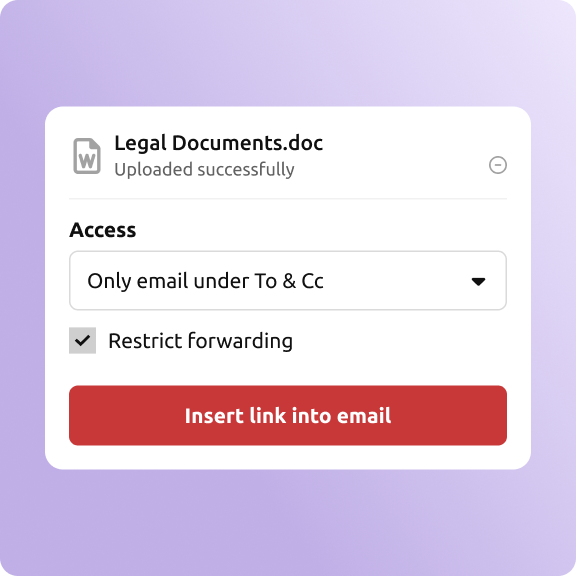
Insert secure links, revoke attachments, and track engagement directly from your email.

Learn more

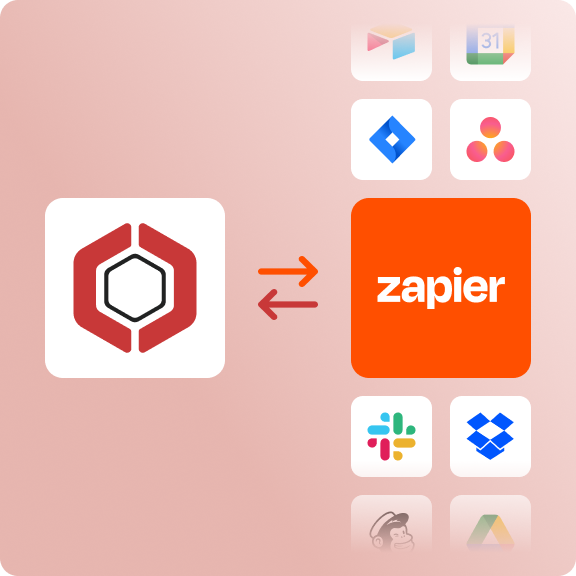
Create automations with 8,000+ apps 

Trigger file sends, log analytics, and notify your team, without writing a line of code.

Learn more

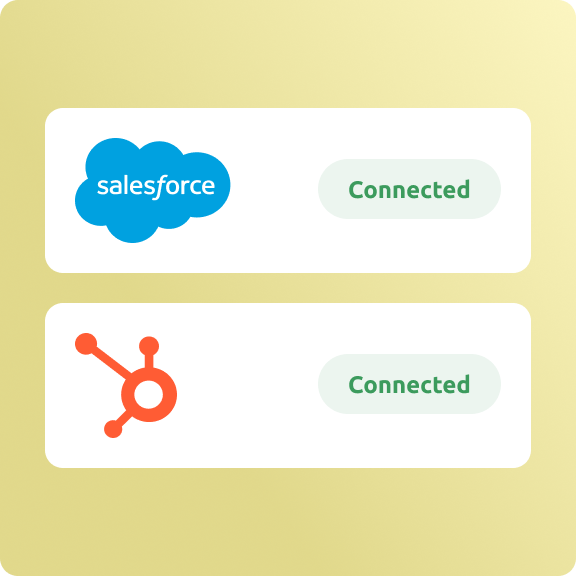
Work smarter with Salesforce & Hubspot 

Seamless CRM integration. Sync Digify analytics to Salesforce or send secure files to contacts from HubSpot. 

Learn more

Frequently asked questions

Digify is a secure document sharing platform that provides persistent protection, file tracking, and access controls. It helps safeguard sensitive files before and after download with features like dynamic watermarking, screenshot protection, and revocable access.
Digify supports secure collaboration through Q&A tools, built-in MS Office editing, branded data rooms, and a customizable About page for added context.

Yes. Digify integrates with platforms like Google Drive, Dropbox, OneDrive, Salesforce, HubSpot, and Zapier. You can also embed secure access into your own portals.

Digify’s Screenshield feature provides a focused viewing window with overlays and can detect key-based screenshots to protect against image capture.

Digify restricts file forwarding and limits access to only approved users, emails, or domains. You can also block printing, downloading, and copying of files to prevent data leaks.